 Fryguy
Author Archives: Fryguy
Fryguy
Author Archives: Fryguy
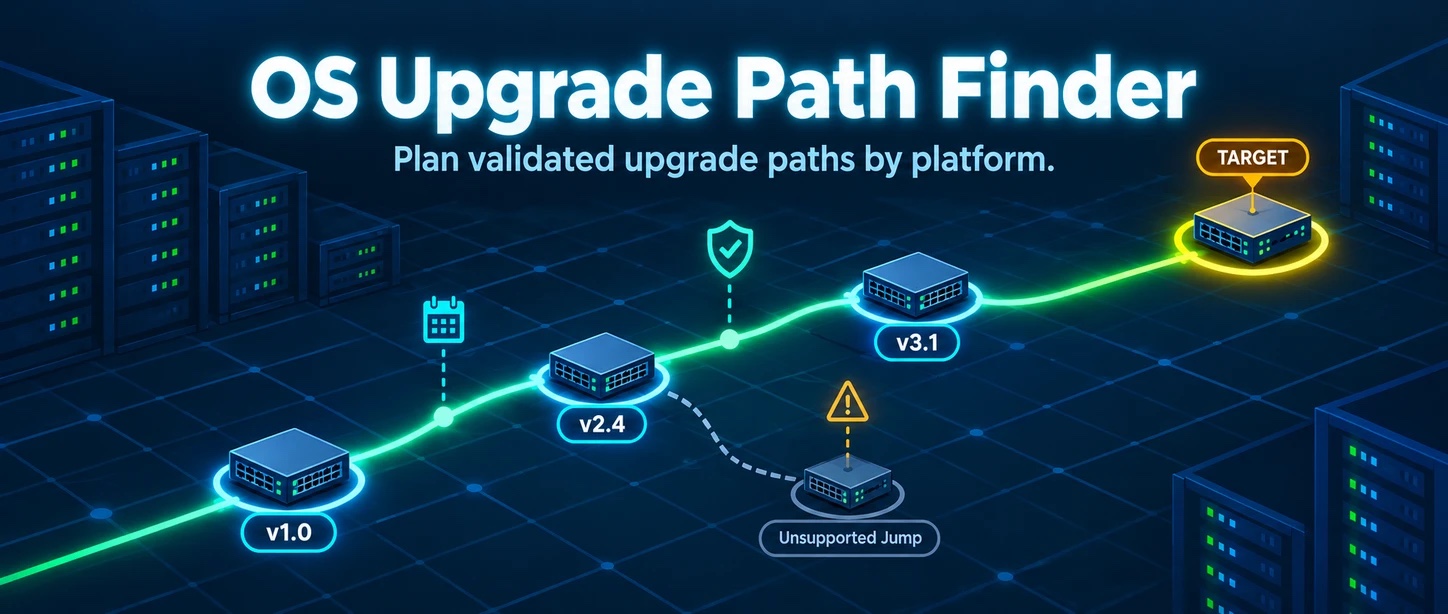
New on the Network Tools page: the OS Upgrade Path Finder. You tell it what you’re running and where you want to land, and it figures out the hops.
Why does this exist? Because we got tired of checking all the vendor sites every time we had to plan an upgrade, just to find out what can go to what. We wanted to save ourselves some time, and figured why not share!
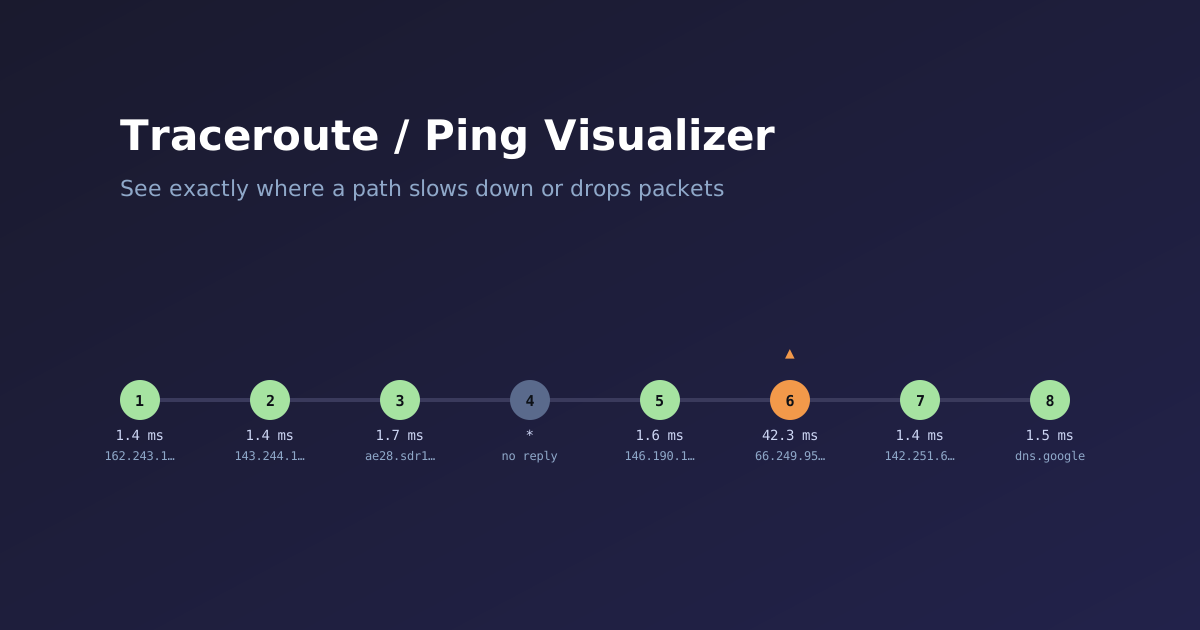
New on the Network Tools page: a Traceroute / Ping Visualizer. Paste raw output from traceroute, Windows tracert, or ping and it turns the wall of text into something you can actually read at a glance — a per-hop latency chain or a per-packet chart, with timeouts, latency jumps, and dropped packets flagged automatically.
It auto-detects which of the four formats you pasted — Linux/Mac traceroute, Windows tracert, Linux ping, or Windows ping — and renders the right visualization:
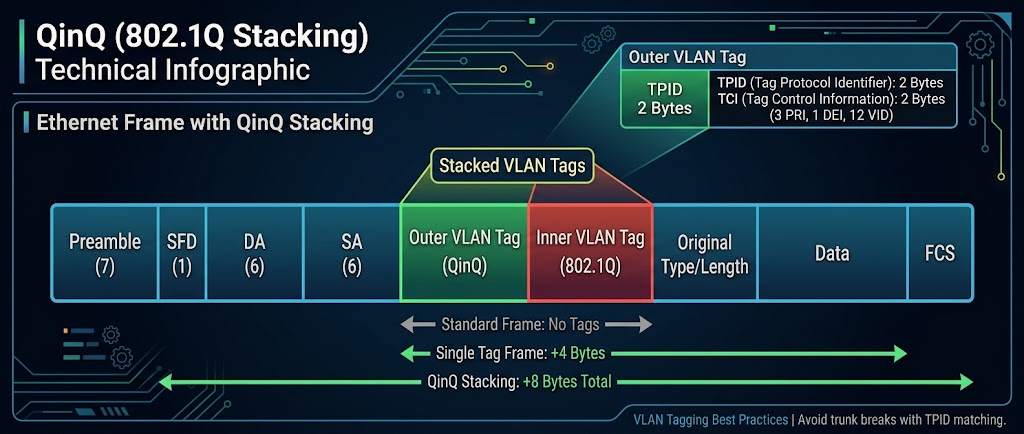
New on the Network Tools page: a VLAN / QinQ Tag Overhead Calculator. It exists because of the same problem that led to the MTU / Encapsulation Overhead Calculator — vendors don’t agree on what a config knob actually means, and it costs you an afternoon before you find that out.
The MTU tool exists because mtu isn’t the same number on every platform. Classic Cisco IOS treats it as the L3 payload size. Junos and IOS-XR fold the 14-byte Ethernet header into it. Same command, same-looking number, two different frames on the wire — and the failure mode is never an error message, it’s just silent fragmentation or a black-holed jumbo-frame flow that only shows up under load.
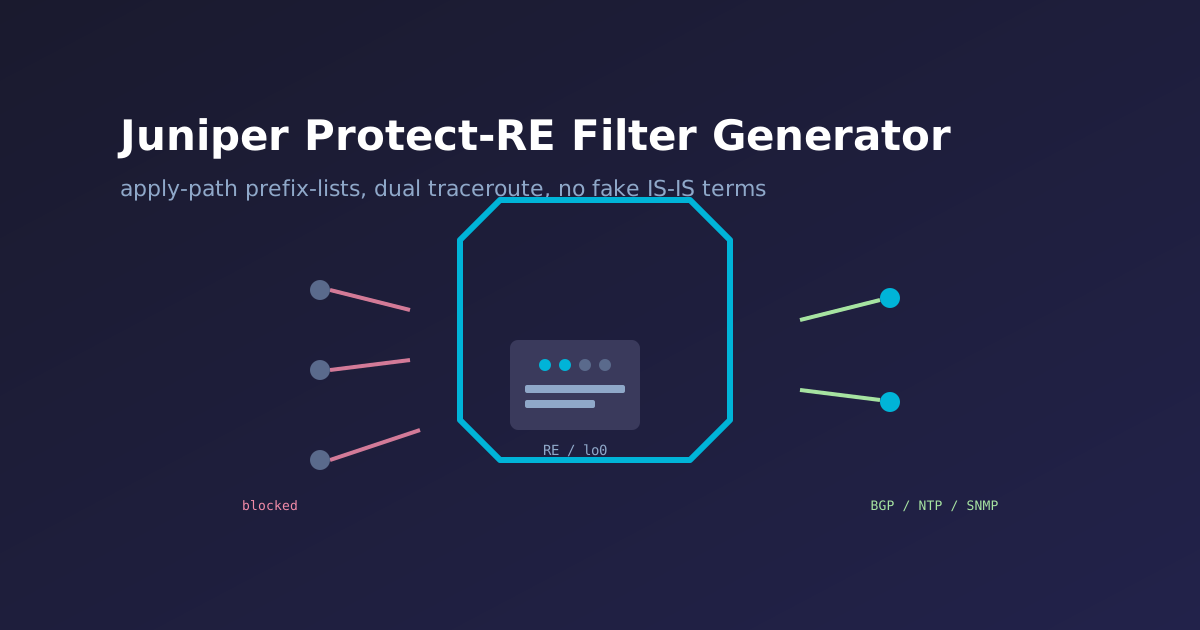
Also new on the Network Tools page: a Juniper Protect-RE Filter Generator — builds the lo0.0 input firewall filter every RE-bound packet passes through, regardless of which interface or destination address it actually arrived on.
Check the protocols you run, list trusted sources where it matters, and get a complete, correctly-ordered config — anti-spoofing and fragment discard first, then source-restricted NTP/RADIUS/SNMP/BGP, then OSPF/VRRP, then management access, a blanket TCP SYN/FIN/RST flood policer, type-restricted rate-limited ICMP, dual-style traceroute support (UDP and Windows’ ICMP-based tracert), optional BFD, and a logged, counted catch-all discard at the end.
Added a new one to the Network Tools page: an IPsec VPN Configuration Generator for Cisco IOS/IOS-XE, ASA, FortiGate, Palo Alto, Juniper SRX, strongSwan/VyOS, UniFi, and pfSense/OPNsense.
The reason I built this instead of just pointing at vendor docs is the case that actually breaks real deployments: pairing a policy-based peer with a route-based one. A route-based side (VTI/tunnel interface) defaults to a catch-all 0.0.0.0/0 ↔ 0.0.0.0/0 selector, since routing decides what enters the tunnel. A policy-based peer negotiates specific proxy-IDs per subnet pair, pulled straight from its ACL. Put those two together unmodified and phase 2 negotiation just fails — no useful error, just a tunnel that won’t come up.
MTU problems are some of the most annoying things to troubleshoot in networking, because they’re usually silent. Small packets sail through fine, everything looks healthy, and then someone complains that a specific app is slow or hanging — and it turns out one link in the path, three hops in, has an MTU 8 bytes smaller than everyone assumed. GRE, IPsec, PPPoE, a VPN overlay, a jumbo-frame config that only got applied to half the path, a VLAN tag quietly adding 4 bytes nobody accounted for, or just two vendors defining and displaying “MTU” differently (L2 vs. L3, tagged vs. untagged) — any of these can quietly clip your effective MTU, and standard ping/traceroute won’t tell you where.
I mentioned in the WordPress-to-Hugo migration post that this site was going to start drifting a bit toward retirement and financial planning content alongside the usual networking stuff. Here’s the first real piece of that: a new Financial Tools section, same browser-only, nothing-sent-to-a-server philosophy as the Network Tools I’ve been building for years.
This is the one that actually matters. It’s a full retirement dashboard — portfolio projections, Social Security claiming strategy (including spousal/survivor benefits), RMDs, a Roth conversion planner, Medicare/IRMAA cost estimates, and a Monte Carlo simulation that runs a thousand random market paths against your numbers instead of just assuming a flat return every year. I’ve been building and using a private version of this for a while now; this is that tool, cleaned up for public use. Find it at fryguy.net/financial-tools/retirement-planner.
This site has run on WordPress since basically forever. As of this week, it doesn’t anymore. Everything you’re reading is now a static Hugo site, built from Markdown, served by nginx, with no PHP and no database anywhere in the stack. Here’s why I did it, what actually moved, and how I used Claude Code as a pair programmer for most of the heavy lifting.
Let’s be honest about how it got this bad: I didn’t keep up with it. I know. Servers don’t rot on their own — you stop patching them, stop upgrading them, and a few years later you’re staring at a stack that’s aged out from under you. The old droplet had quietly rotted underneath a site that still worked fine. Ubuntu 18.04 — EOL since 2023. PHP 7.4 — EOL since 2022, with no apt-upgrade path to anything newer (the PPA I’d have needed was frozen). MySQL 5.7 — also EOL. WordPress itself was current; everything under it wasn’t, and there was no clean patching path left, just a slow accumulation of risk on a box facing the public internet.
If you’ve ever had to move a large session library from SecureCRT to SuperPutty, you know the pain — there’s no built-in migration path, and manually re-entering dozens (or hundreds) of sessions is a miserable afternoon. I wrote SCRT_2_SPUTTY to handle it automatically. Point it at your SecureCRT XML export, and it spits out a ready-to-import SuperPutty XML file. No third-party libraries, no configuration files — just Python and a single command.
If you run a self-hosted Ubiquiti UniFi network — whether it’s a home lab, small business, or multi-site setup — you know the UniFi dashboard is great for real-time monitoring but falls short when you want a clean summary you can save, share, or review later. I built UniFi Network Health Report to fill that gap: a Python tool that connects to your controller and generates a standalone HTML report covering everything that matters.
This week I am in the Juniper Campus Networks with Mist AI ( JCMA ) course and going over the labs. I ran into a problem where the EX4400-24T et-0/1/0 and et-1/1/1 ports did not appear in in the Junos configuration nor the Mist portal. The configuration was in the portal via the templates, but the ports did not exist on the switch.
I have seen similar conditions as these ports can also be used for the Virtual Chasis (VC) ports. What I did find interesting is that the normal way I have always changed VC-Ports on Junos did not work.
First, let us look at the vc-ports on this EX4400-24T:
{master:0}
lab@ex2> show virtual-chassis vc-port
fpc0:
--------------------------------------------------------------------------
Interface   Type              Trunk  Status       Speed        Neighbor
or                             ID                 (mbps)       ID  Interface
PIC / Port
1/0         Configured         -1    Down         50000
1/1         Configured         -1    Down         50000
1/2         Configured         -1    Down         50000
1/3         Configured         -1    Down         50000
As you can see, we have 4 VC-Ports configured on Pic 1 – Ports 0-3.
Soon, many of us will be on an airplane heading to Las Vegas for Cisco Live 2022. So I felt that it might be good to put out some final information before we head out. Below you will find some info on the Cisco Events App, Health and Safety info, as well as NetVet reception updates.
Cisco recently updated its Cisco Events application for Cisco Live 2022, this is a must-have application for an attendee. This application is your go-to for everything CIsco Live, as you can see from the images below, it has all the relevant information you need – the Session Catalog, the All Sessions section has your Schedule for the sessions you have signed up for as well.
The other week I had the privilege of participating in Tech Field Day Exclusive with Cisco 2022. One of the presentations that I enjoyed was the talk on the C9300X. I think this is because I am currently working heavily with them on a current project
As I said, the Cisco Catalyst 9300 is a switch family that I am familiar with due to my current work environment. I have deployed all different models from C9300-48U-A, C9300-48UN-A, to the C9300-48UXM-A. They have been a reliable switch from my experience, albeit a bit of pain due to the interface naming differences between the models. ( that is another blog post altogether )
I am honored to be welcomed back to Tech Field Day Exclusive with Cisco scheduled on 16-17 March 2022. It will be a live-streamed event that you can watch over on the Tech Field Day site during the event, or on their YouTube channel shortly after.
The schedule for the event is as follows:
| Wed Mar 16 | 11:00a – 2:00p EST | Cisco Enterprise Networks |
| Wed Mar 16 | 2:00p – 5:15p EST | Cisco Meraki |
| Thurs Mar 17 | 11:00a – 4:00p EST | Cisco |
See you there!
It should be safe to say that most of us have had a tough time these past two years, no matter what our view of things – the world has changed around us. We all have been learning to adapt, understand, and cope with what has happened. I am sure that we are all looking to get back to some normalcy in our lives.
“Troubles, they may come and go, but good times, they're the gold.”
― Dave Matthews Band
In the past one of our normalcies has been an event called Cisco Live – or Nerd Camp as some of us have come to affectionately call it. It is a place where you gather with friends who share the same passions, a place where you make new acquaintances, and ultimately a place where we learn new technologies together for the networking world.
Our last in-person event was in 2019 in San Diego, CA – since then Cisco Live has been forced to go online only due to the changes in the world Granted we still got our dose of new technology learning from a firehose with the online sessions, but they are just not the same as being Continue reading