0
Yesterday, Citrix sent an updated notification to customers warning of a vulnerability in their Application Delivery Controller (ADC) product. If exploited, malicious attackers can bypass the login page of the administrator portal, without authentication, to perform arbitrary code execution.
No patch is available yet. Citrix expects to have a fix for certain versions on January 20 and others at the end of the month.
In the interim, Citrix has asked customers to attempt to mitigate the vulnerability. The recommended steps involve running a number of commands from an administrator command line interface.
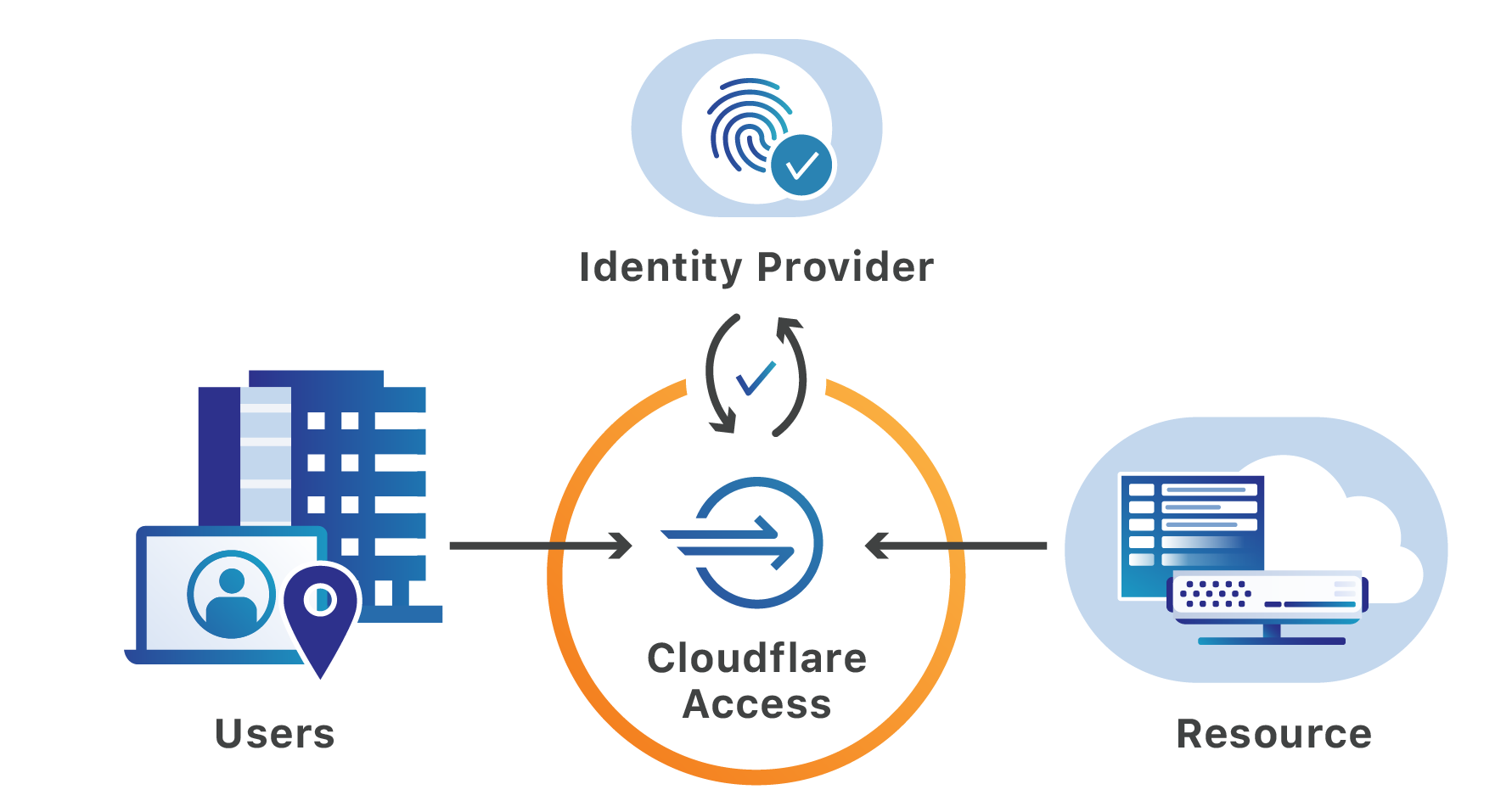
The vulnerability relied on by attackers requires that they first be able to reach a login portal hosted by the ADC. Cloudflare can help teams secure that page and the resources protected by the ADC. Teams can place the login page, as well as the administration interface, behind Cloudflare Access’ identity proxy to prevent unauthenticated users from making requests to the portal.
Exploiting URL paths
Citrix ADC, also known as Citrix NetScaler, is an application delivery controller that provides Layer 3 through Layer 7 security for applications and APIs. Once deployed, administrators manage the installation of the ADC through a portal available at a dedicated URL on Continue reading