Making Video Intuitive: An Explainer
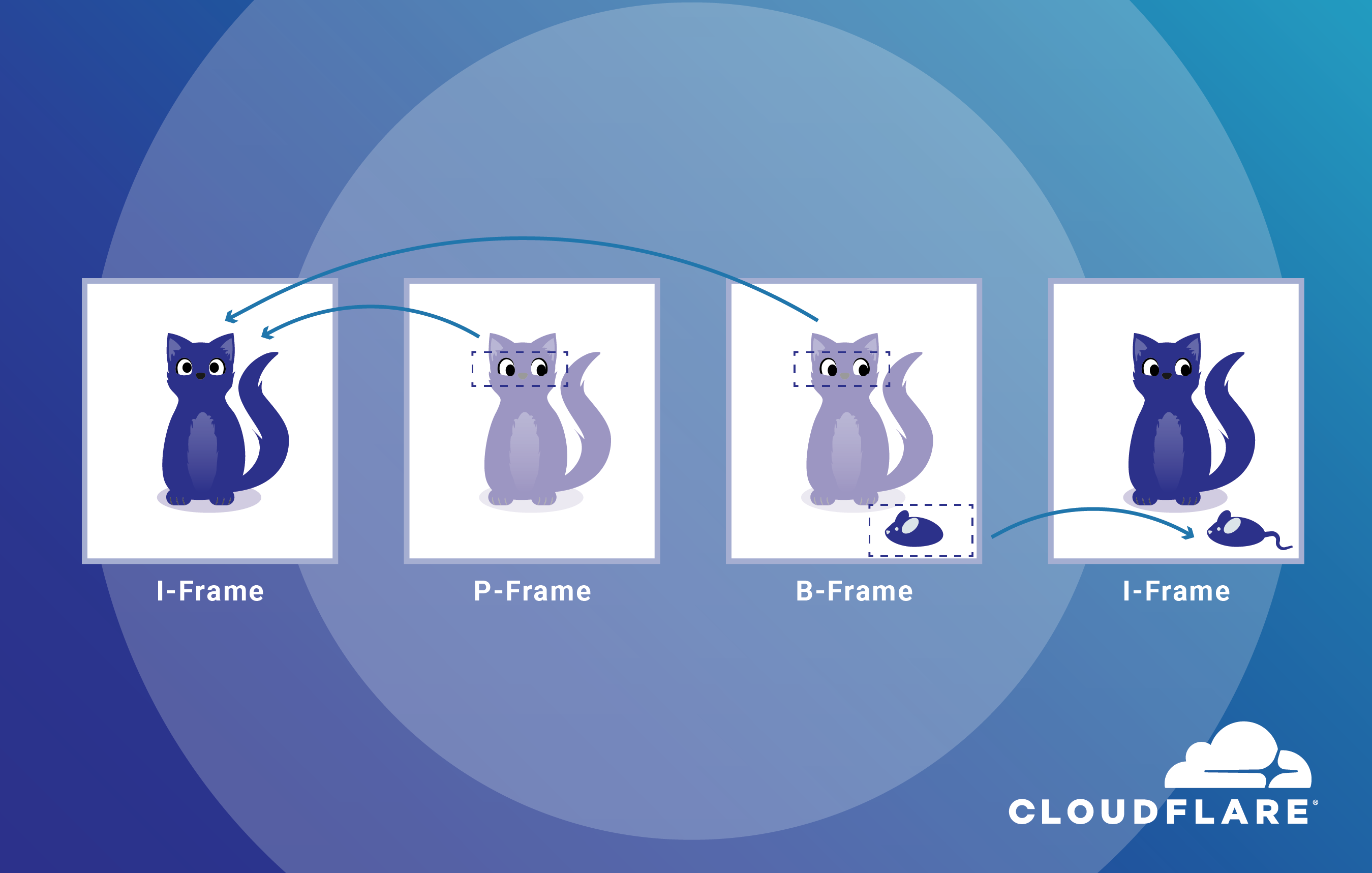
On the Stream team at Cloudflare, we work to provide a great viewing experience while keeping our service affordable. That involves a lot of small tweaks to our video pipeline that can be difficult to discern by most people. And that makes the results of those tweaks less intuitive.
In this post, let's have some fun. Instead of fine-grained optimization work, we’ll do the opposite. Today we’ll make it easy to see changes between different versions of a video: we’ll start with a high-quality video and ruin it. Instead of aiming for perfection, let’s see the impact of various video coding settings. We’ll go on a deep dive on how to make some victim video look gloriously bad and learn on the way.
Everyone agrees that video on the Internet should look good, start playing fast, and never rebuffer regardless of the device they’re on. People can prefer one version of a video over another and say it looks better. Most people, though, would have difficulty elaborating on what ‘better’ means. That’s not an issue when you’re just consuming video. However, when you’re storing, encoding, and distributing it, how that video looks determines how happy your viewers are.
To determine Continue reading