Launching In-Line Data Loss Prevention
Data Loss Prevention (DLP) enables you to protect your data based on its characteristics — or what it is. Today, we are very excited to announce that Data Loss Prevention is arriving as a native part of the Cloudflare One platform. If you’re interested in early access, please see the bottom of this post!
In the process of building Cloudflare One's DLP solution, we talked to customers of all sizes and across dozens of industries. We focused on learning about their experiences, what products they are using, and what solutions they lack. The answers revealed significant customer challenges and frustrations. We are excited to deliver a product to put those problems in the past — and to do so as part of a comprehensive Zero Trust solution.
Customers are struggling to understand their data flow
Some customers have been using DLP solutions in their organizations for many years. They have deployed endpoint agents, crafted custom rulesets, and created incident response pipelines. Some built homemade tools to trace credit card numbers on the corporate network or rulesets to track hundreds of thousands of exact data match hashes.
Meanwhile, other customers are brand new to the space. They have small, scrappy teams Continue reading
Area 1 threat indicators now available in Cloudflare Zero Trust
Over the last several years, both Area 1 and Cloudflare built pipelines for ingesting threat indicator data, for use within our products. During the acquisition process we compared notes, and we discovered that the overlap of indicators between our two respective systems was smaller than we expected. This presented us with an opportunity: as one of our first tasks in bringing the two companies together, we have started bringing Area 1’s threat indicator data into the Cloudflare suite of products. This means that all the products today that use indicator data from Cloudflare’s own pipeline now get the benefit of Area 1’s data, too.
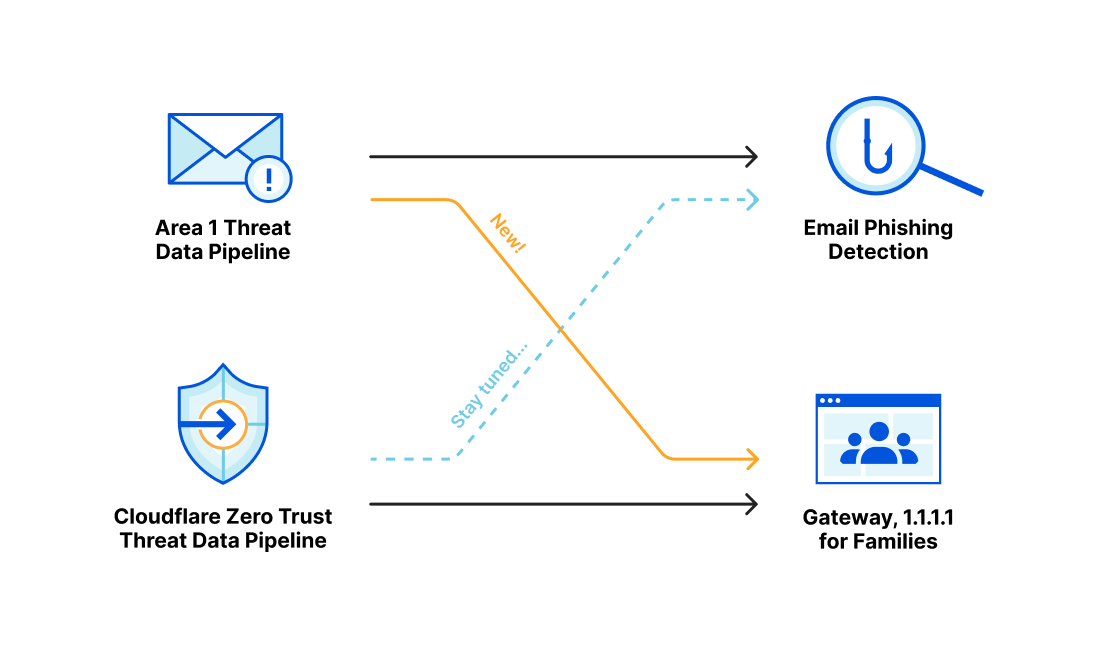
Area 1 built a data pipeline focused on identifying new and active phishing threats, which now supplements the Phishing category available today in Gateway. If you have a policy that references this category, you’re already benefiting from this additional threat coverage.
How Cloudflare identifies potential phishing threats
Cloudflare is able to combine the data, procedures and techniques developed independently by both the Cloudflare team and the Area 1 team prior to acquisition. Customers are able to benefit from the work of both teams across the suite of Cloudflare products.
Cloudflare curates a set of data feeds Continue reading
How to replace your email gateway with Cloudflare Area 1
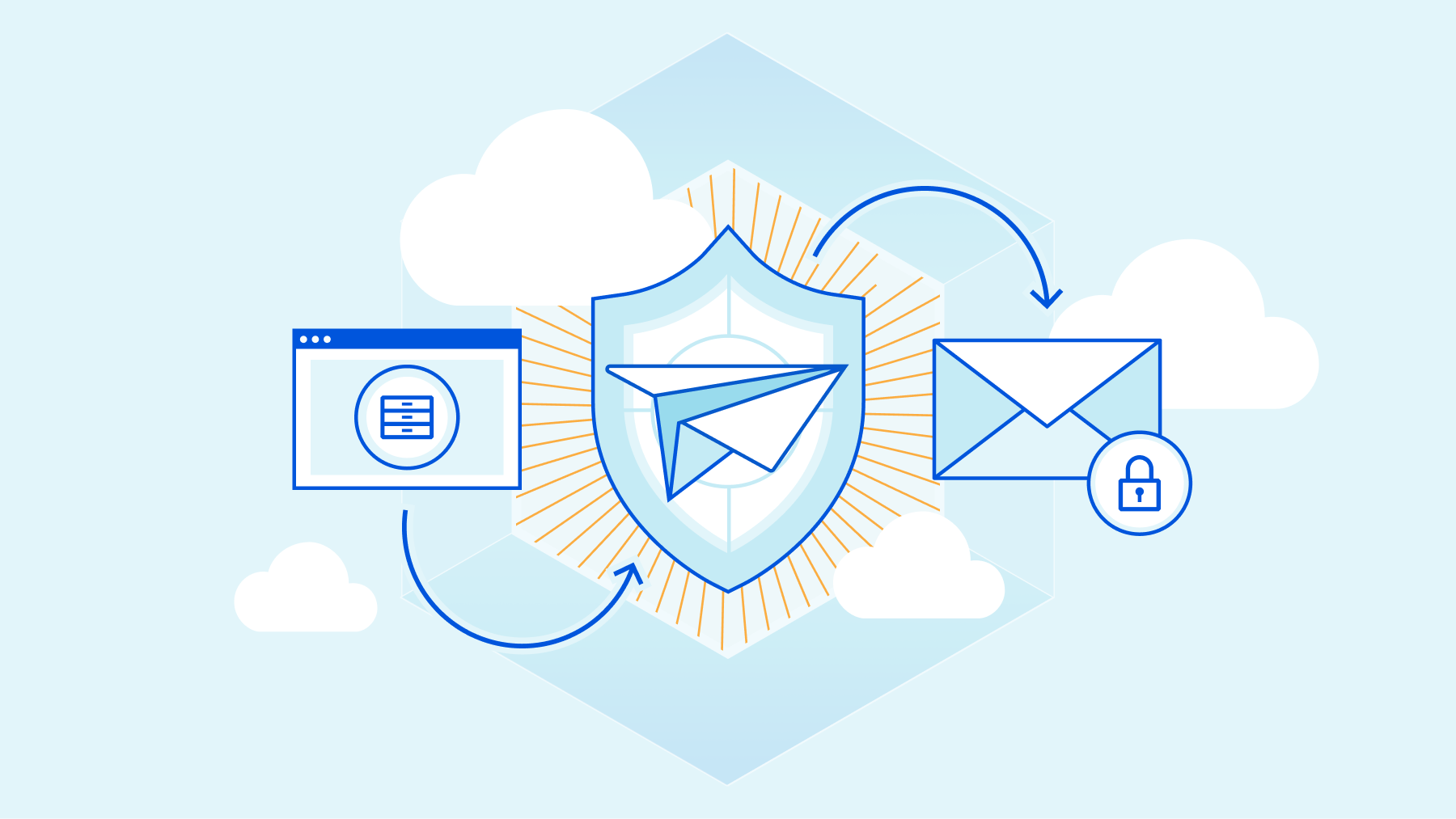
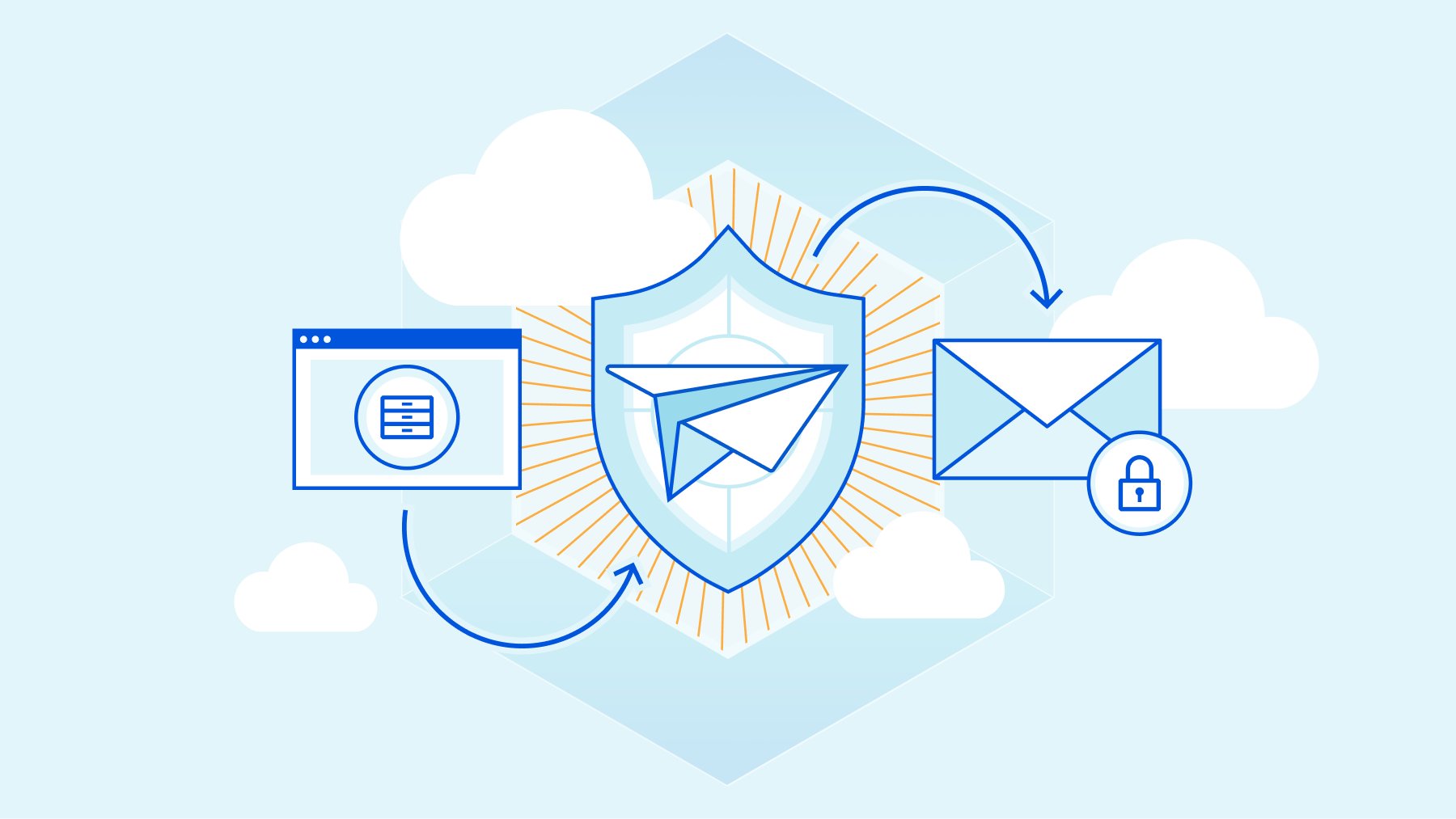
Leaders and practitioners responsible for email security are faced with a few truths every day. It’s likely true that their email is cloud-delivered and comes with some built-in protection that does an OK job of stopping spam and commodity malware. It’s likely true that they have spent considerable time, money, and staffing on their Secure Email Gateway (SEG) to stop phishing, malware, and other email-borne threats. Despite this, it’s also true that email continues to be the most frequent source of Internet threats, with Deloitte research finding that 91% of all cyber attacks begin with phishing.
If anti-phishing and SEG services have both been around for so long, why do so many phish still get through? If you’re sympathetic to Occam’s razor, it’s because the SEG was not designed to protect the email environments of today, nor is it effective at reliably stopping today’s phishing attacks.
But if you need a stronger case than Occam delivers — then keep on reading.
Why the world has moved past the SEG
The most prominent change within the email market is also what makes a traditional SEG redundant – the move to cloud-native email services. More than 85% of organizations are expected Continue reading
Introducing browser isolation for email links to stop modern phishing threats

This post is also available in 简体中文, 日本語 and Español.

There is an implicit and unearned trust we place in our email communications. This realization — that an organization can't truly have a Zero Trust security posture without including email — was the driving force behind Cloudflare’s acquisition of Area 1 Security earlier this year. Today, we have taken our first step in this exciting journey of integrating Cloudflare Area 1 email security into our broader Cloudflare One platform. Cloudflare Secure Web Gateway customers can soon enable Remote Browser Isolation (RBI) for email links, giving them an unmatched level of protection from modern multi-channel email-based attacks.
Research from Cloudflare Area 1 found that nearly 10% of all observed malicious attacks involved credential harvesters, highlighting that victim identity is what threat actors usually seek. While commodity phishing attacks are blocked by existing security controls, modern attacks and payloads don’t have a set pattern that can reliably be matched with a block or quarantine rule. Additionally, with the growth of multi-channel phishing attacks, an effective email security solution needs the ability to detect blended campaigns spanning email and Web delivery, as well as deferred campaigns that are benign at delivery time, Continue reading
Help Appreciated: netsim-tools Device Features
There are (at least) two steps to get new functionality (like VLANs) implemented in netsim-tools:
- We have to develop a data transformation module that takes high-level lab-, node-, link- or interface attributes and transforms them into device data.
- Someone has to create Jinja2 templates for each supported device that transform per-device netsim-tools data into device configurations.
I usually implement new features on Cisco IOSv and Arista EOS1, Stefano Sasso adds support for VyOS, Dell OS10, and Mikrotik RouterOS, and Jeroen van Bemmel adds Nokia SR Linux and/or SR OS support. That’s less than half of the platforms supported by netsim-tools, and anything you could do to help us increase the coverage would be highly appreciated.
Help Appreciated: netsim-tools Device Features
There are (at least) two steps to get new functionality (like VLANs) implemented in netsim-tools:
- We have to develop a data transformation module that takes high-level lab-, node-, link- or interface attributes and transforms them into device data.
- Someone has to create Jinja2 templates for each supported device that transform per-device netsim-tools data into device configurations.
I usually implement new features on Cisco IOSv and Arista EOS1, Stefano Sasso adds support for VyOS, Dell OS10, and Mikrotik RouterOS, and Jeroen van Bemmel adds Nokia SR Linux and/or SR OS support. That’s less than half of the platforms supported by netsim-tools, and anything you could do to help us increase the coverage would be highly appreciated.
Welcome to Cloudflare One Week

This post is also available in 简体中文, 日本語, Español.

If we'd told you three years ago that a majority of your employees would no longer be in the office, you simply would not have believed it. We would not have believed it, either. The office has been a cornerstone of work in the modern era — almost an unshakeable assumption.
That assumption carried over into the way we built out IT systems, too. They were almost all predicated on us working from a consistent place.
And yet, here we are. Trends that had started out as a trickle — employees out of the office, remote work, BYOD — were transformed into a tsunami, almost overnight. Employees are anywhere, using any mobile or desktop device available to work, including personal devices. Applications exist across data centers, public clouds and SaaS hosting providers. Tasks increasingly are completed in a browser. All of this increases load on corporate networks.
While how we work has changed, the corporate networks and security models to enable this work have struggled to keep pace. They still often rely on a corporate perimeter that allows lateral network movement once a user or device is present on Continue reading
Zero Trust, SASE and SSE: foundational concepts for your next-generation network
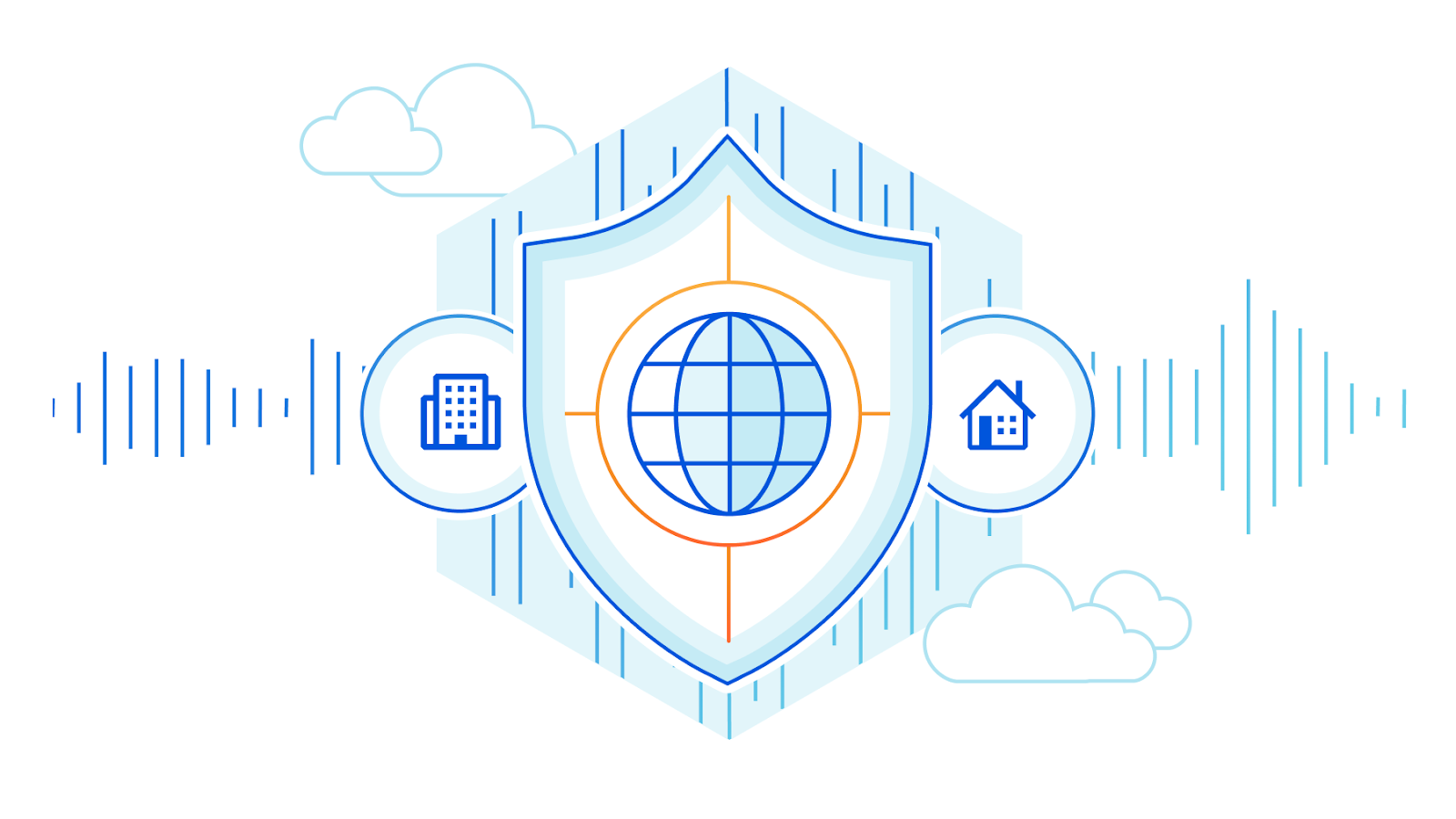
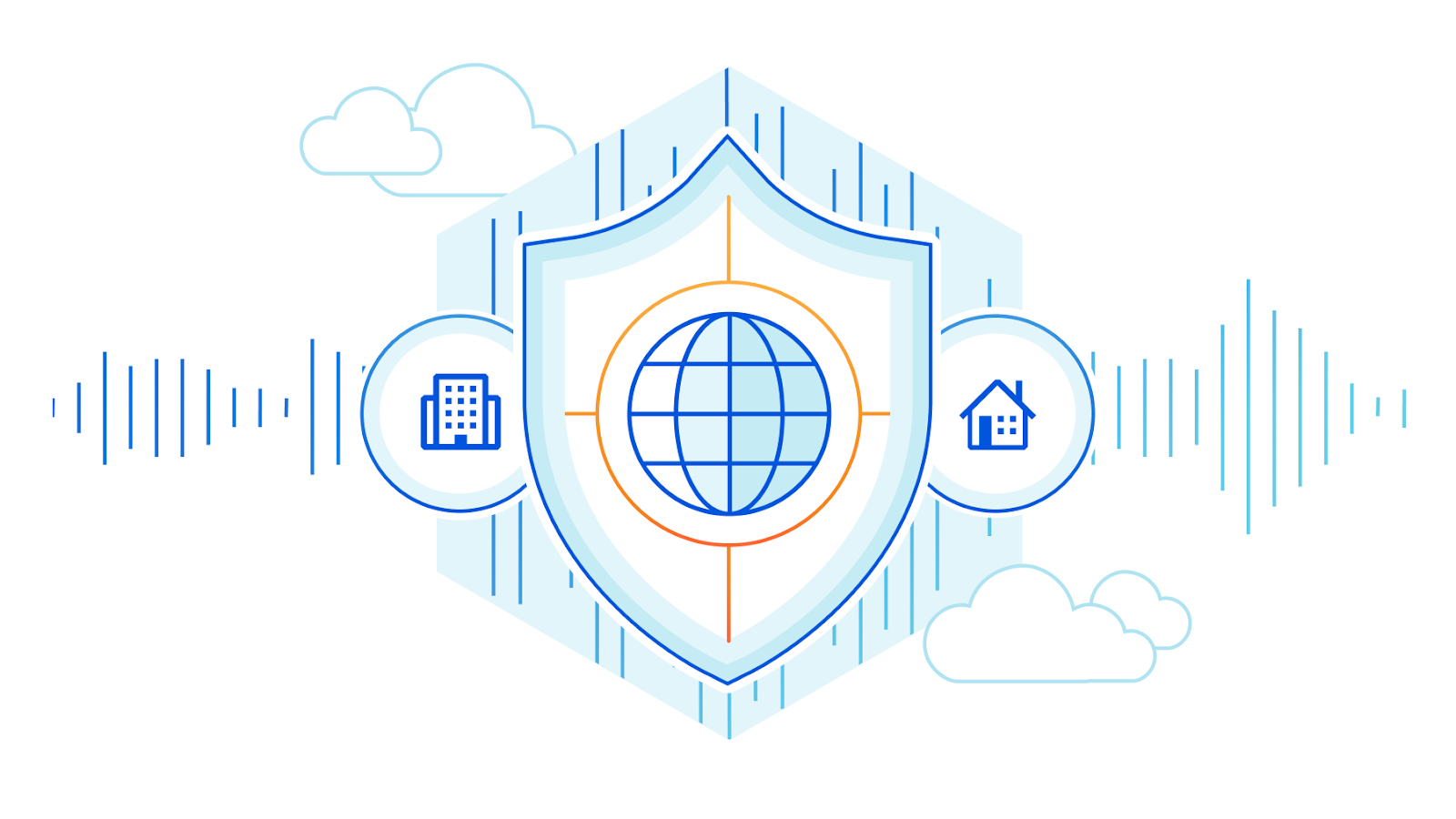
If you’re a security, network, or IT leader, you’ve most likely heard the terms Zero Trust, Secure Access Service Edge (SASE) and Secure Service Edge (SSE) used to describe a new approach to enterprise network architecture. These frameworks are shaping a wave of technology that will fundamentally change the way corporate networks are built and operated, but the terms are often used interchangeably and inconsistently. It can be easy to get lost in a sea of buzzwords and lose track of the goals behind them: a more secure, faster, more reliable experience for your end users, applications, and networks. Today, we’ll break down each of these concepts — Zero Trust, SASE, and SSE — and outline the critical components required to achieve these goals. An evergreen version of this content is available at our Learning Center here.
What is Zero Trust?
Zero Trust is an IT security model that requires strict identity verification for every person and device trying to access resources on a private network, regardless of whether they are sitting within or outside the network perimeter. This is in contrast to the traditional perimeter-based security model, where users are able to access resources once they’re granted access to Continue reading
Using OpenSSL With Ed Harmoush 6/6 Troubleshooting: Client Side Certificate Issues – Video
ED, HIS TLS COURSE, AND THE FREE OPENSSL CHEATSHEET Twitter @ed_pracnet https://practicalnetworking.net Practical TLS course: https://pracnet.net/tls OpenSSL Cheatsheet: https://pracnet.net/openssl FILES FOR THE CERT/KEY MATCHING EXERCISE: ZIP VERSION: packetpushers-pracnet-openssl.zip https://ln5.sync.com/dl/1f1f63d90/kqztwkp9-hkcz3yvq-tuzx79ke-aewxgaip TAR.GZ VERSION: packetpushers-pracnet-openssl.tar.gz https://ln5.sync.com/dl/0791b8d50/q973jpyb-qrmz3cpd-xeiar9zn-qu99gi5w FOR MORE INFO Hashing, Hashing Algorithms, and Collisions – Cryptography Symmetric Encryption vs Asymmetric Encryption Public & Private Keys – Signatures & […]
The post Using OpenSSL With Ed Harmoush 6/6 Troubleshooting: Client Side Certificate Issues – Video appeared first on Packet Pushers.
Worth Reading: Is IPv6 Faster Than IPv4?
In a recent blog post, Donal O Duibhir claims IPv6 is faster than IPv4… 39% of the time, which at a quick glance makes as much sense as “60% of the time it works every time”. The real reason for his claim is that there was no difference between IPv4 and IPv6 in ~30% of the measurements.
Unfortunately he measured only the Wi-Fi part of the connection (until the first-hop gateway); I hope he’ll keep going and measure response times from well-connected dual-stack sites like Google’s public DNS servers.
Worth Reading: Is IPv6 Faster Than IPv4?
In a recent blog post, Donal O Duibhir claims IPv6 is faster than IPv4… 39% of the time, which at a quick glance makes as much sense as “60% of the time it works every time”. The real reason for his claim is that there was no difference between IPv4 and IPv6 in ~30% of the measurements.
Unfortunately he measured only the Wi-Fi part of the connection (until the first-hop gateway); I hope he’ll keep going and measure response times from well-connected dual-stack sites like Google’s public DNS servers.
Practice Until You Can’t Get It Wrong

One of the things that I spend a lot of my time doing it teaching and training. Not the deeply technical stuff like any one of training programs out there or even the legion of folks that are doing entry-level education on sites like Youtube. Instead, I spend a lot of my time bringing new technologies to the fore and discussing how they impact everyone. I also spend a lot of time with youth and teaching them skills.
One of the things that I’ve learned over the years is that it’s important to not only learn something but to reinforce it as well. How much we practice is just as important as how we learn. We’re all a little guilty of doing things just enough to be proficient without truly mastering a skill.
Hours of Fun
You may have heard of the rule proposed by Malcolm Gladwell that it takes 10,000 hours to become an expert at something. There’s been a lot of research debunking this “rule of thumb”. In fact it turns out that the way you practice and your predisposition to how you learn has a lot do to with the process as well.
When I’m teaching youth, Continue reading
Lost Connections In The Connected Workplace
This post originally appeared in the Human Infrastructure newsletter, a free weekly publication from the Packet Pushers. See back issues and sign up at packetpushers.net/newsletter. As months of work-from-home policies became years, I noticed a pattern in some coworkers and friends (and myself): The longer folks worked from their domestic silos, the more mistrust and […]
The post Lost Connections In The Connected Workplace appeared first on Packet Pushers.
SD-WAN and SASE: Collaboration and Standards are Essential
MEF provider survey finds great revenue growth in SD-WAN and SASE expected in the year to come, yet obstacles will need to be addressed.IPv6 Buzz 103: Celebrating The 10th Anniversary Of World IPv6 Launch
In today's IPv6 Buzz podcast episode, Ed, Scott, and Tom chat about the recent 10th anniversary of World IPv6 Launch, the global event that kickstarted IPv6 adoption back in 2012.
The post IPv6 Buzz 103: Celebrating The 10th Anniversary Of World IPv6 Launch appeared first on Packet Pushers.