0
Amid the global spread of COVID-19, the exceptional strict confinement to our homes offers important lessons about the urgency of bridging the digital divide.
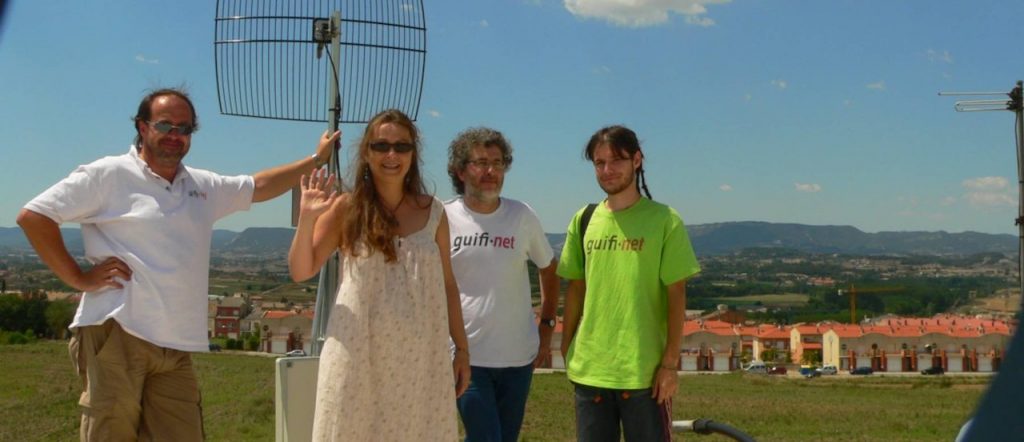
Where I live, in Osona (rural Catalonia, northern Spain), 15 years ago there was no Internet access. Commercial operators said it wasn’t profitable. So, we set up a community network, Guifi.net, initially with radio connections, and in 2009 we deployed fiber optics. Today, we have connected many small towns and have more than 200,000 estimated users.
According to the National Statistical Institute, Osona County leads with the percentage of households with a computer: 82.5%, exceeding the Spanish average of 69.8%.
Connectivity has broken rural social isolation, connected our schools and hospitals, and it is helping people face this emergency situation. People can access multiple interactive channels to inform themselves without leaving home. Without connectivity, our confinement would feel like prison.
Connectivity has been an economic savior for us. In our livestock-driven region, robots milk cows that wear pedometers to measure their steps and detect diseases. Farmers use connected cameras to monitor whether their pigs have complications during birth. Technology has saved time, money, and improved productivity.
Just 15 years ago, Osona trailed Continue reading