Network Break 285: 37,000 Kilometers Of Undersea Cable Coming To Africa; Cisco Announces ACI 5.0
Lots to cover in this week's Network Break podcast, including a consortium of telcos and Facebook laying new undersea cable in Africa, new features for service providers and enterprises in Cisco's ACI 5.0, why Intel bought Rivet Networks, software and Wi-Fi for contact tracing, AT&T getting called on misleading 5G advertising, and more.
The post Network Break 285: 37,000 Kilometers Of Undersea Cable Coming To Africa; Cisco Announces ACI 5.0 appeared first on Packet Pushers.
Juniper Claims Mist Win Rate Against Cisco Tops 80%
Mist serves as the heart of Juniper’s AI-driven enterprise strategy. And Mavis is the brain.
© SDxCentral, LLC. Use of this feed is limited to personal, non-commercial use and is governed by SDxCentral's Terms of Use (https://www.sdxcentral.com/legal/terms-of-service/). Publishing this feed for public or commercial use and/or misrepresentation by a third party is prohibited.
Tech Bytes: SolarWinds Boosts VoIP Performance, Development Productivity With Silver Peak SD-WAN (Sponsored)
On today’s Tech Bytes we talk with SolarWinds about how the company boosted VoIP performance, improved end user experience, sped up the transfer of massive files, and increased development productivity by deploying SD-WAN EdgeConnect appliances from Silver Peak. Silver Peak is our sponsor.Tech Bytes: SolarWinds Boosts VoIP Performance, Development Productivity With Silver Peak SD-WAN (Sponsored)
On today’s Tech Bytes we talk with SolarWinds about how the company boosted VoIP performance, improved end user experience, sped up the transfer of massive files, and increased development productivity by deploying SD-WAN EdgeConnect appliances from Silver Peak. Silver Peak is our sponsor.
The post Tech Bytes: SolarWinds Boosts VoIP Performance, Development Productivity With Silver Peak SD-WAN (Sponsored) appeared first on Packet Pushers.
Secondary DNS — A faster, more resilient way to serve your DNS records
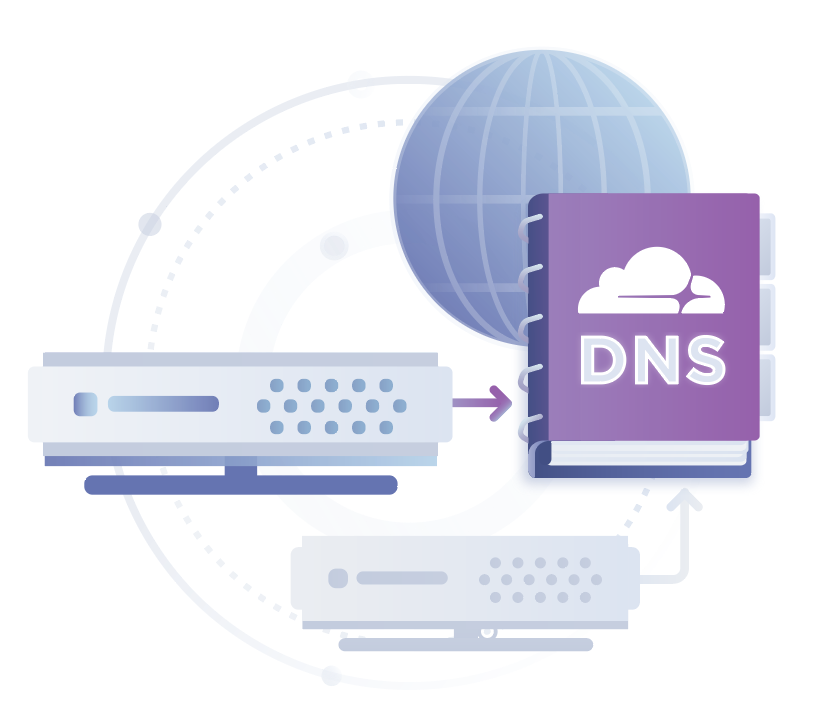
What is secondary DNS, and why is it important?
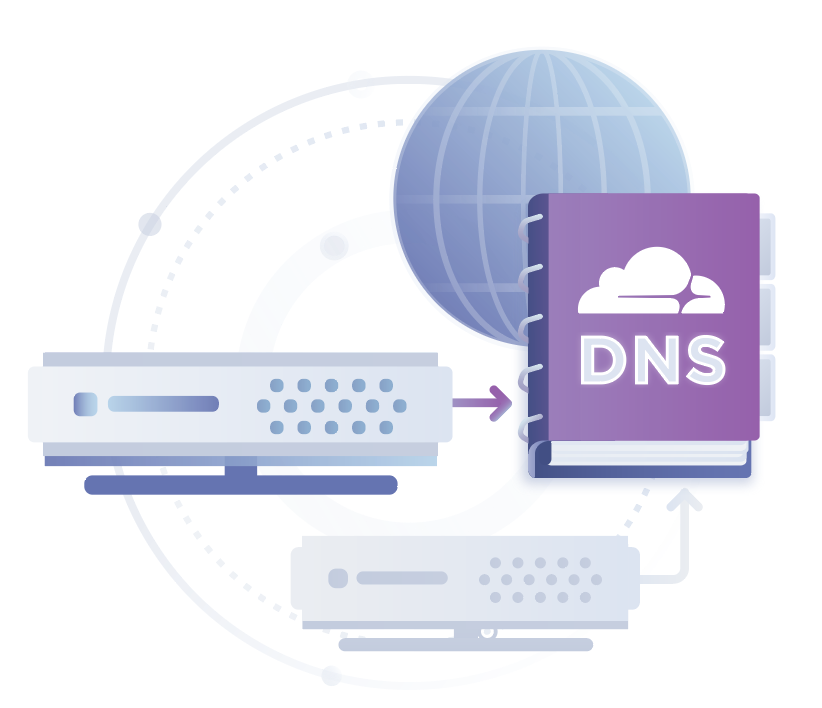
In DNS, nameservers are responsible for serving DNS records for a zone. How the DNS records populate into the nameservers differs based on the type of nameserver.
A primary master is a nameserver that manages a zone’s DNS records. This is where the zone file is maintained and where DNS records are added, removed, and modified. However, relying on one DNS server can be risky. What if that server goes down, or your DNS provider has an outage? If you run a storefront, then your customers would have to wait until your DNS server is back up to access your site. If your website were a brick and mortar store, this would be effectively like boarding up the door while customers are trying to get in.This type of outage can be very costly.
Now imagine you have another DNS server that has a replica of your DNS records. Wouldn’t it be great to have it as a back-up if your primary nameserver went down? Or better yet, what if both served your DNS records at all times— this could help decrease the latency of DNS requests, distribute the load between Continue reading
Making DNS record changes more reliable
DNS is the very first step in accessing any website, API, or pretty much anything on the Internet, which makes it mission-critical to keeping your site up and running. This week, we are launching two significant changes that allow our customers to better maintain and update their DNS records. For customers who use Cloudflare as their authoritative DNS provider, we’ve added a much asked for feature: confirmation to DNS record edits. For our secondary DNS customers, we’re excited to provide a brand new onboarding experience.
Confirm and Commit
One of the benefits of using Cloudflare DNS is that changes quickly propagate to our 200+ data centers. And I mean very quickly: DNS propagation typically takes <5 seconds worldwide. Our UI was set up to allow customers to edit records, click out of the input box, and boom! The record has propagated!
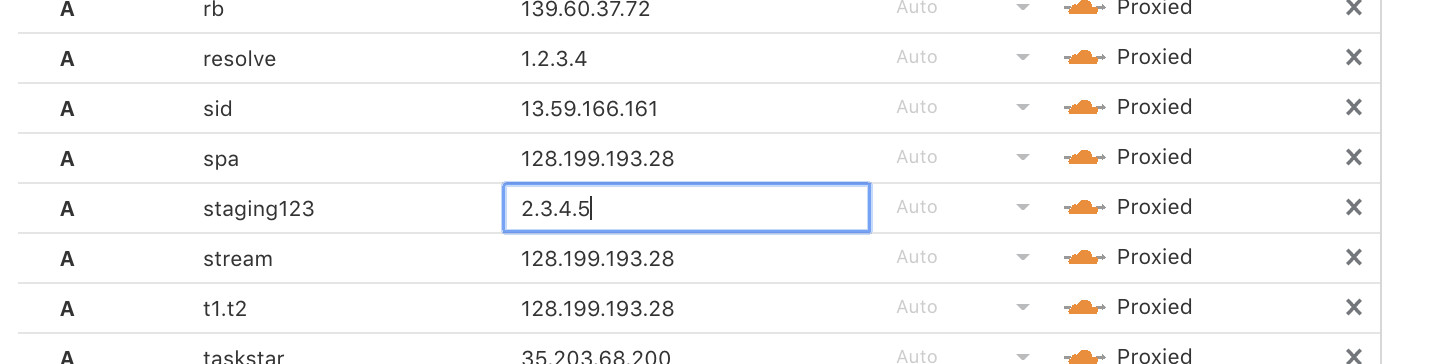
There are a lot of advantages to fast DNS, but there's also one clear downside – it leaves room for fat fingering. What if you accidentally toggle the proxy icon, or mistype the content of your DNS record? This could result in users not being able to access your website or API and could cause a significant outage. To Continue reading
GNMI. Part 3. Using gRPC to collect data in OpenConfig/YANG from Arista EOS and Nokia SR OS.
Hello my friend,
finally after some time we are writing again about the OpenConfig, Nokia SR OS and Arista EOS. This time we do that in the context of gNMI (gRPC network management interface). So, today you will learn how to collect the configuration and operational data from the network functions using gNMI. As usual, there will be a lot of Python, and a lot of fun.
2
3
4
5
retrieval system, or transmitted in any form or by any
means, electronic, mechanical or photocopying, recording,
or otherwise, for commercial purposes without the
prior permission of the author.
Start your network automation journey
Network automation is a must-have technology set in all the industries these days. A lot of companies are talking about it, some of them are practising NetDevOps and automation approached. And latter one create a huge positive difference in their business.
At this training we teach you all the necessary concepts such as YANG data modelling, working with all the most relevant data formats JSON/YAML/XML/Protobuf, Linux administration basics, programming in Bash/Ansible/Python for multiple network operation systems including Cisco Continue reading
Zero-Touch Provisioning with Salt
Helping a friend of mine figure out the details of using Salt in Zero-Touch-Provisioning environments, Zach Moody sent me a description of their process, and was kind enough to allow me to turn it into a blog post.
We follow the same basic ZTP process you would with anything else. Salt drives the parts that interface with the network devices with information from our source-of-truth, NetBox.
New IP and Emerging Communications Technologies
A "New IP" framework was proposed to an ITU Study Group last year. This framework envisages a resurgence of a network-centric view of communications architectures where application behaviours are moderated by network-managed control mechanisms. It's not the first time that we’ve seen proposals to rethink the basic architecture of the Internet’s technology and it certainly won’t be the last. But is it going to really going to influence the evolution of the Internet? What can we observe about emerging technologies that will play a critical role in the coming years? Here’s my personal selection of recent technical innovations that I would add into the set of emerging technologies that will exercise a massive influence over the coming ten years.Is Open Source the Way Forward for SD-WAN?
An open source alternative to proprietary SD-WANs could become the de facto industry standard, said...
© SDxCentral, LLC. Use of this feed is limited to personal, non-commercial use and is governed by SDxCentral's Terms of Use (https://www.sdxcentral.com/legal/terms-of-service/). Publishing this feed for public or commercial use and/or misrepresentation by a third party is prohibited.
Worth Exploring: Arista EVPN-Based Automation Virtual Lab
David Varnum created a fantastic leaf-and-spine fabric of vEOS switches running with GNS3 and automated with Ansible playbooks.
Not only that - his blog post includes detailed setup instructions, and the corresponding GitHub repository contains all the source code you need to get it up and running.
Before Long, Datacenter Will Be Nvidia’s Biggest Business
It is hard to remember sometimes way back when, in 2008, when Nvidia first took a stab at GPU compute in the datacenter with the original Tesla GPU accelerators and a very rudimentary CUDA programming environment for offloading parallel algorithms from CPUs to GPUs. …
Before Long, Datacenter Will Be Nvidia’s Biggest Business was written by Timothy Prickett Morgan at The Next Platform.
Daily Roundup: HPE Slashes Salaries
COVID-19 wrecked HPE's latest earnings; Verizon updates its 5G plans; and Palo Alto Networks posted...
© SDxCentral, LLC. Use of this feed is limited to personal, non-commercial use and is governed by SDxCentral's Terms of Use (https://www.sdxcentral.com/legal/terms-of-service/). Publishing this feed for public or commercial use and/or misrepresentation by a third party is prohibited.
Heavy Networking 518: Learning To Live With SNMP
Perhaps the most arcane technology in networking is the Simple Network Management Protocol (SNMP), which, despite its name, is one of the utmost confusing pieces of technology to actually use. Guests Michael W. Lucas and Allan Jude share tips and lessons on how to get the most you can out of this protocol.Heavy Networking 518: Learning To Live With SNMP
Perhaps the most arcane technology in networking is the Simple Network Management Protocol (SNMP), which, despite its name, is one of the utmost confusing pieces of technology to actually use. Guests Michael W. Lucas and Allan Jude share tips and lessons on how to get the most you can out of this protocol.
The post Heavy Networking 518: Learning To Live With SNMP appeared first on Packet Pushers.
Member News: Internet Society Chapters Assist Communities with Telework, Remote Education

Keep working: In recent months, several Internet Society Chapters have focused on helping people to keep working during COVID-19 lockdowns. The Benin Chapter recently published a guide to remote work, with recommendations for videoconferencing apps, project management software, and file storage services. “We are facing a real health crisis, COVID-19, which is shaking up our habits and pushing companies to adapt to new working methods,” the Chapter’s post says. “Authorizing employees to telecommute is the ideal solution for the continuity of your activity and avoiding contagion within your teams.”
Building your brand: Meanwhile, the Israel Chapter hosted a webinar on employment and careers in the digital industry. Speaker Shani Haddad, CEO and founder of Brainnu, talked about the importance of people marketing themselves and telling their own stories.
Learning at a distance: It’s not just workers dealing with new situations during the COVID-19 pandemic. The Samoan Chapter has posted about distance learning, noting that the Samoa Information Technology Association has developed an e-learning platform for students attending school from home. Education is “one of the key areas that is being heavily affected by the lockdown,” the post notes.
No censorship: The Chapter in Spain has raised concerns Continue reading