Self Driving Cars and Network Automation
Last year at Interop, there was a great mini-conference dedicated to the DevOps for Networking community. In that session, I kicked off the day with a general view of where the industry was with respect to the intersection of DevOps and networking with a focus on network automation.
One of the analogies I made was comparing network automation to self-driving cars posing the question, “Are they real?”…“Are they real for us (the consumer)?”
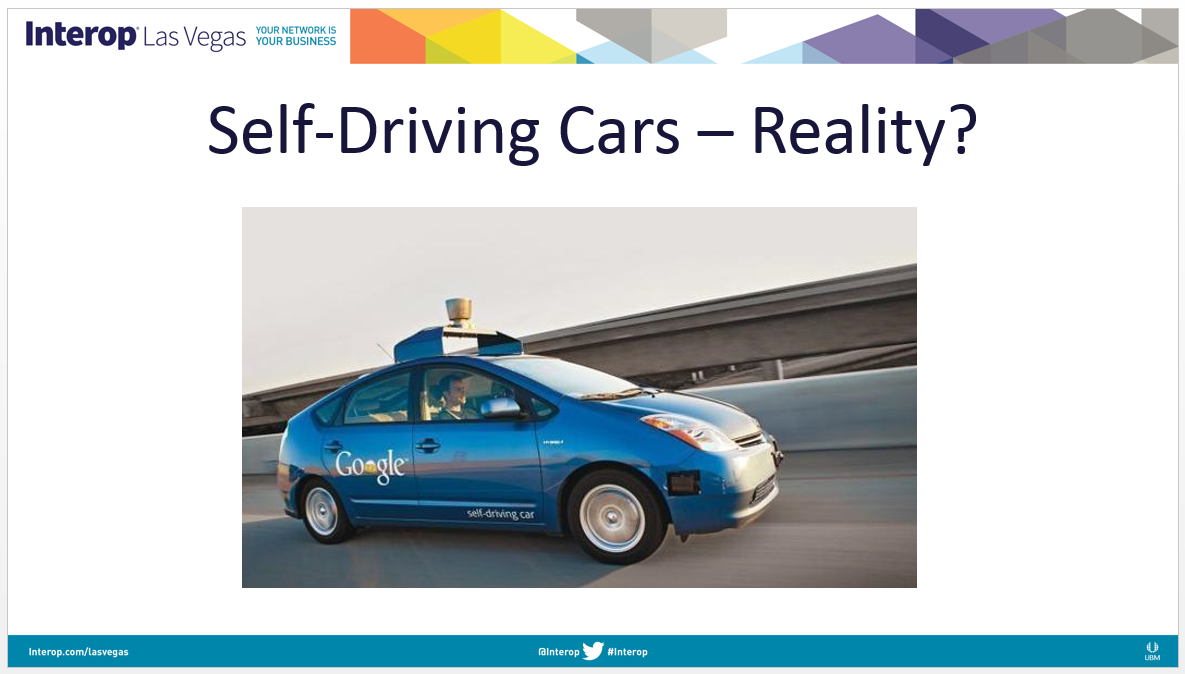
No, they are not, but I continued to make the analogy. Is complete network automation real today? While, the answer is yes, it’s not really a reality for most…yet.
So, what’s the connection between self-driving cars and network automation?
Start small and expand. Pick a problem, solve it, and integrate it.
Self-Driving Cars are Coming
While self-driving cars aren’t a reality for us to buy and purchase today, intelligent cars are– these are cars that have high-value services and features enhancing the way we drive, our safety, and much more generally, the way we in which we consume the streets and infrastructure around us.
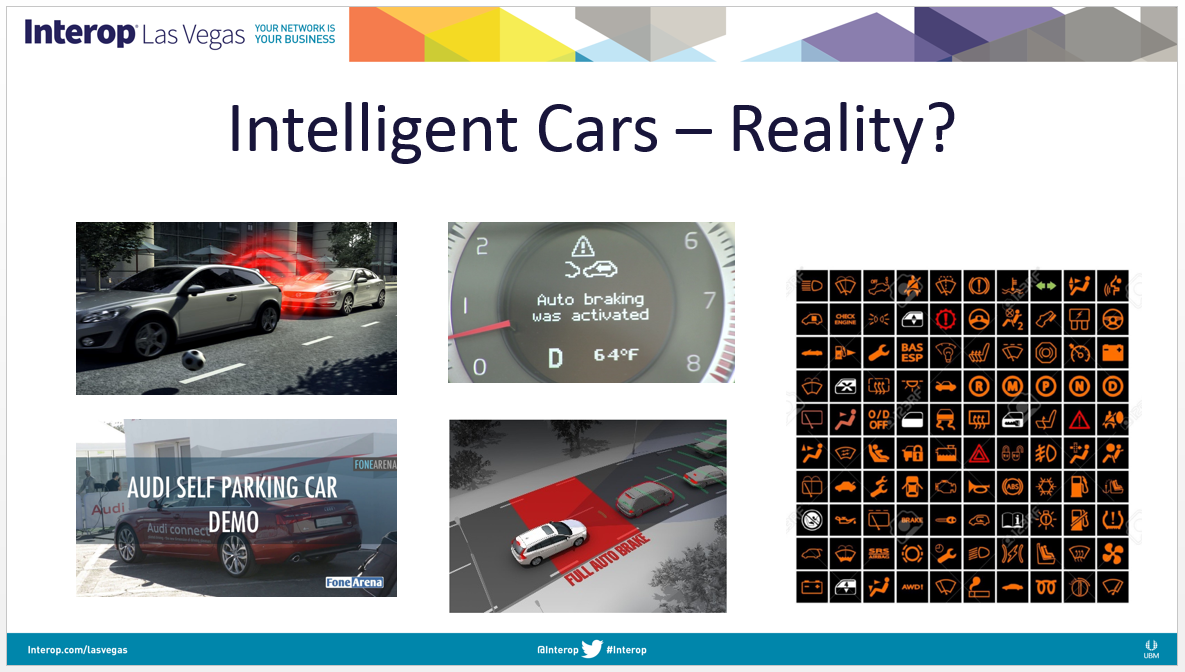
These include automated features like self-parking, back-up cameras, automated beeping as you back-up, automatic-brakes, GPS, and computer systems that give Continue reading
 OpenStack is not dead, but 'containers are sexy.'
 Ericsson also has a 5G/motor vehicle consortium based in Germany.
 'The time has come to standardize on a common interface,' says CNCF.
 The typical size of an OpenStack cloud increased, says survey.
 Multiple vendors will use the test sites at the same time.
 Ixia collaborates with CORD Project; IBM releases new developer capabilities on Bluemix.