The easiest way to build a modern SaaS application
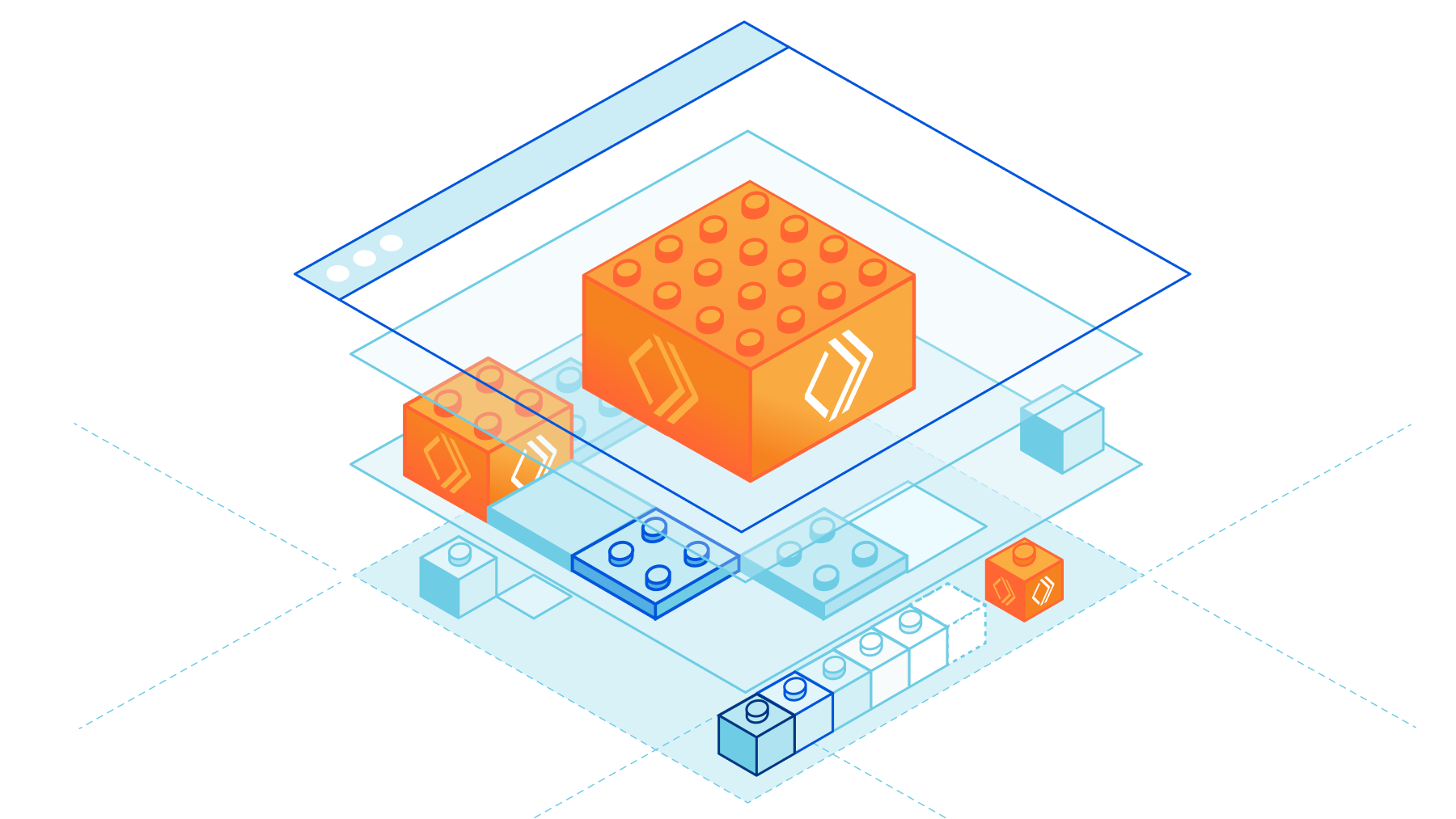
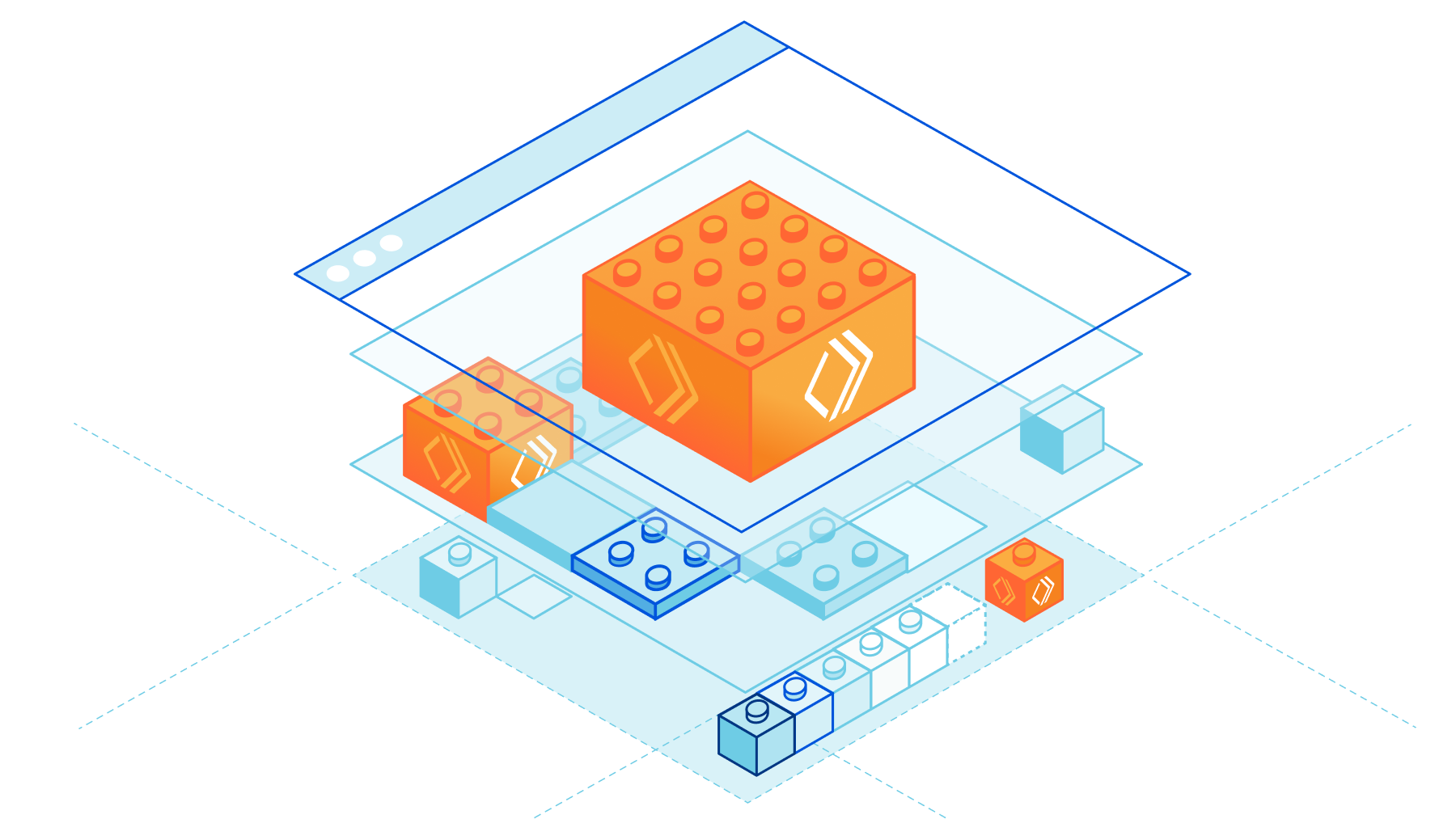
The Software as a Service (SaaS) model has changed the way we work – 80% of businesses use at least one SaaS application. Instead of investing in building proprietary software or installing and maintaining on-prem licensed software, SaaS vendors provide businesses with out-of-the-box solutions.
SaaS has many benefits over the traditional software model: cost savings, continuous updates and scalability, to name a few. However, any managed solution comes with trade-offs. As a business, one of the biggest challenges in adopting SaaS tooling is loss of customization. Not every business uses software in the same way and as you grow as a SaaS company it’s not long until you get customers saying “if only I could do X”.
Enter Workers for Platforms – Cloudflare's serverless functions offering for SaaS businesses. With Workers for Platforms, your customers can build custom logic to meet their requirements right into your application.
We’re excited to announce that Workers for Platforms is now in GA for all Enterprise customers! If you’re an existing customer, reach out to your Customer Success Manager (CSM) to get access. For new customers, fill out our contact form to get started.
The conundrum of customization
As a SaaS business invested in Continue reading
Stream Live is now Generally Available


Today, we’re excited to announce that Stream Live is out of beta, available to everyone, and ready for production traffic at scale. Stream Live is a feature of Cloudflare Stream that allows developers to build live video features in websites and native apps.
Since its beta launch, developers have used Stream to broadcast live concerts from some of the world’s most popular artists directly to fans, build brand-new video creator platforms, operate a global 24/7 live OTT service, and more. While in beta, Stream has ingested millions of minutes of live video and delivered to viewers all over the world.
Bring your big live events, ambitious new video subscription service, or the next mobile video app with millions of users — we’re ready for it.
Streaming live video at scale is hard
Live video uses a massive amount of bandwidth. For example, a one-hour live stream at 1080p at 8Mbps is 3.6GB. At typical cloud provider egress prices, even a little egress can break the bank.
Live video must be encoded on-the-fly, in real-time. People expect to be able to watch live video on their phone, while connected to mobile networks with less bandwidth, higher latency and Continue reading
R2 is now Generally Available
This post is also available in Français and Español.
R2 gives developers object storage, without the egress fees. Before R2, cloud providers taught us to expect a data transfer tax every time we actually used the data we stored with them. Who stores data with the goal of never reading it? No one. Yet, every time you read data, the egress tax is applied. R2 gives developers the ability to access data freely, breaking the ecosystem lock-in that has long tied the hands of application builders.
In May 2022, we launched R2 into open beta. In just four short months we’ve been overwhelmed with over 12k developers (and rapidly growing) getting started with R2. Those developers came to us with a wide range of use cases from podcast applications to video platforms to ecommerce websites, and users like Vecteezy who was spending six figures in egress fees. We’ve learned quickly, gotten great feedback, and today we’re excited to announce R2 is now generally available.
We wouldn’t ask you to bet on tech we weren’t willing to bet on ourselves. While in open beta, we spent time moving our own products to R2. One such example, Cloudflare Images, proudly serving thousands Continue reading
Full Stack Journey 070: A Network Automation Career Journey With Eric Chou
On today's Full Stack Journey podcast we welcome guest Eric Chou, an author, educator, and network engineer. From traditional network engineering to the birth of "cloud" at Amazon and now working to share his knowledge via blog posts, videos, books, and classes, Eric shares lessons learned on his career journey.
The post Full Stack Journey 070: A Network Automation Career Journey With Eric Chou appeared first on Packet Pushers.

Full Stack Journey 070: A Network Automation Career Journey With Eric Chou
On today's Full Stack Journey podcast we welcome guest Eric Chou, an author, educator, and network engineer. From traditional network engineering to the birth of "cloud" at Amazon and now working to share his knowledge via blog posts, videos, books, and classes, Eric shares lessons learned on his career journey.
Linux Networking Data Plane Configuration
I spent a rainy day implementing VLANs, VRFs, and VXLAN on Cumulus Linux VX and came to “appreciate” the beauties of Linux networking configuration.
TL&DR: It sucks
There are two major ways of configuring data plane constructs (interfaces, port channels, VLANs, VRFs) on Linux:
Linux Networking Data Plane Configuration
I spent a rainy day implementing VLANs, VRFs, and VXLAN on Cumulus Linux VX and came to “appreciate” the beauties of Linux networking configuration.
TL&DR: It sucks
There are two major ways of configuring data plane constructs (interfaces, port channels, VLANs, VRFs) on Linux:
Startup Veego Targets ISP Customer Service With An End User Experience Package
A startup called Veego is pitching an end user experience service to Internet Service Providers (ISPs) to help providers offer better tech support to customers. The question is, are ISPs interested in customer service?
The post Startup Veego Targets ISP Customer Service With An End User Experience Package appeared first on Packet Pushers.
Connecting to Multiple Clouds vs. Multi-cloud Networking
A top industry analyst firm recently affirmed that enterprises in the pursuit of advanced networking functionality that public cloud providers lack should consider a consistent networking console across their multiple clouds.Vulnerability management: 3 best practices and tips for image building and scanning
As enterprises adopt containers, microservices, and Kubernetes for cloud-native applications, vulnerability management is crucial to improve the security posture of containerized workloads throughout build, deploy, and runtime. Securing your build artifacts and deployment pipeline, especially when it comes to images, is extremely important. By following best practices for image building and scanning throughout the application development and deployment process, you can help ensure the security of the containers and workloads in your environment.
Let’s look at some of the nuances of choosing a base image, hardening your container image, and container image scanning, including tips on choosing an appropriate scanning solution and tackling privacy concerns.
Choose an appropriate base image
It’s important to choose a base image that reduces the attack surface of your container. I recommend using a distroless or scratch image because they contain only the application and its runtime dependencies. Both types of images improve your security posture by reducing the attack surface and exposure to vulnerabilities.
If for some reason you can’t use a distroless or scratch image, choose a minimal distro. Modern immutable Linux distributions, such as Bottlerocket and Flatcar Container Linux, can be used as base images for containers, as can minimal versions Continue reading
Does My Business Need an AI-powered Writing Tool?
When it comes to writing, there are many challenges that can make the process difficult or time-consuming. For example, drafting and proofreading long pieces of content can take hours or even days, and if you’re working on a tight deadline, this can put a strain on your productivity. Additionally, things like grammar mistakes or awkward sentence structure can make your writing hard to understand, lowering the quality of your work and making it less effective.
Reasons Why You Should Consider Using an AI-powered Writing Tool
AI-powered writing tools offer a great solution to these challenges. The following are reasons why you should use AI to make your writing easier and more efficient:
Automated proofreading
AI-powered writing tools use sophisticated algorithms to scan your content for errors, helping you catch mistakes before they go out to your readers. This not only saves you time, but also ensures that your writing is error-free and professional.
Increased productivity
Because AI-powered writing tools are able to quickly analyze and identify patterns in your writing, they can help you draft and edit content much more efficiently. This gives you more time to focus on the aspects of content creation that require your expertise, like researching Continue reading
Cloudflare Area 1 – how the best email security keeps getting better


On February 23, 2022, after being a customer for two years and seeing phishing attacks virtually disappear from our employee’s mailboxes, Cloudflare announced the acquisition of Area 1 Security.
Thanks to its unique technology (more on that below) Cloudflare Area 1 can proactively identify and protect against phishing campaigns before they happen, and potentially prevent the 90%+ of all cyberattacks that Deloitte research identified as starting with an email. All with little to no impact on employee productivity.
But preventing 90% of the attacks is not enough, and that’s why Cloudflare Area 1 email security is part of our Zero Trust platform. Here’s what’s new.
Email Security on your Cloudflare Dashboard
Starting today you will find a dedicated Email Security section on your Cloudflare dashboard. That’s the easiest way for any Cloudflare customer to get familiar with and start using Cloudflare Area 1 Email Security.
From there you can easily request a trial, which gives you access to the full product for 30 days.
Our team will guide you through the setup, which will take just a few minutes. That’s the beauty of not having to install and tune a Secure Email Gateway (SEG). You can simply configure Area Continue reading
Isolate browser-borne threats on any network with WAN-as-a-Service


Defending corporate networks from emerging threats is no easy task for security teams who manage complex stacks of firewalls, DNS and HTTP filters, and DLP and sandboxing appliances. Layering new defenses, such as Remote Browser Isolation to mitigate browser-borne threats that target vulnerabilities in unpatched browsers, can be complex for administrators who first have to plan how to integrate a new solution within their existing networks.
Today, we’re making it easier for administrators to integrate Cloudflare Browser Isolation into their existing network from any traffic source such as IPsec and GRE via our WAN-as-a-service, Magic WAN. This new capability enables administrators to connect on-premise networks to Cloudflare and protect Internet activity from browser-borne malware and zero day threats, without installing any endpoint software or nagging users to update their browsers.
Before diving into the technical details, let’s recap how Magic WAN and Browser Isolation fit into network perimeter architecture and a defense-in-depth security strategy.

Securing networks at scale with Magic WAN
Companies have historically secured their networks by building a perimeter out of on-premise routers, firewalls, dedicated connectivity and additional appliances for each layer of the security stack. Expanding the security perimeter pushes networks to their limits as centralized Continue reading
Cloudflare One Partner Program acceleration
Just a few short months ago, Cloudflare announced the launch of the Cloudflare One Partner Program. Many customers want to start their journeys to Zero Trust but are not sure where or how to start. It became clear there was a significant opportunity to partner with the channel – to combine Cloudflare’s complete Zero Trust portfolio with a broad set of Cloudflare-enabled, channel-delivered professional services to help customers navigate meaningful ways to adopt a Zero Trust architecture. Underscoring this need to partner was the fact that over the last six months we saw a 50% increase in new Cloudflare Zero Trust customers being won with the channel.
Clearly customers are ready to cut through the market hype of Zero Trust and start implementing - with the right platform of products and services - and the right value contribution of their channel partners.
Since the launch of the Cloudflare One Partner Program, we’ve engaged with hundreds of partners through our recruiting campaigns and in our Zero Trust Roadshow. This has provided a tremendous amount of feedback on what is working and why we believe we have the right program at the right time. This feedback has consistently centered around a few Continue reading