Cloudflare observations of Confluence zero day (CVE-2022-26134)
On 2022-06-02 at 20:00 UTC Atlassian released a Security Advisory relating to a remote code execution (RCE) vulnerability affecting Confluence Server and Confluence Data Center products. This post covers our current analysis of this vulnerability.
When we learned about the vulnerability, Cloudflare’s internal teams immediately engaged to ensure all our customers and our own infrastructure were protected:
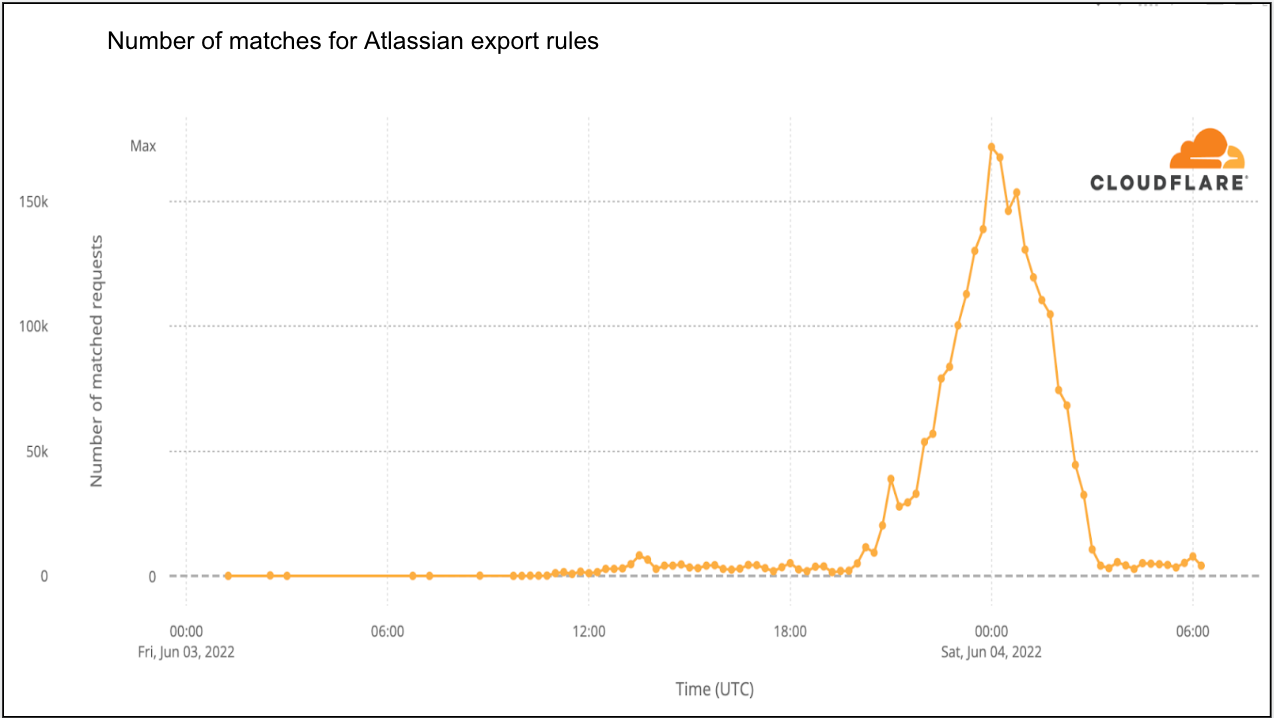
- Our Web Application Firewall (WAF) teams started work on our first mitigation rules that were deployed on 2022-06-02 at 23:38 UTC for all customers.
- Our internal security team started reviewing our Confluence instances to ensure Cloudflare itself was not impacted.
What is the impact of this vulnerability?
According to Volexity, the vulnerability results in full unauthenticated RCE, allowing an attacker to fully take over the target application.
Active exploits of this vulnerability leverage command injections using specially crafted strings to load a malicious class file in memory, allowing attackers to subsequently plant a webshell on the target machine that they can interact with.
Once the vulnerability is exploited, attackers can implant additional malicious code such as Behinder; a custom webshell called noop.jsp, which replaces the legitimate noop.jsp file located at Confluence root>/confluence/noop.jsp; and another open source webshell called Continue reading