Cloudflare Partner Program Now Supports SASE & Zero Trust Managed Services

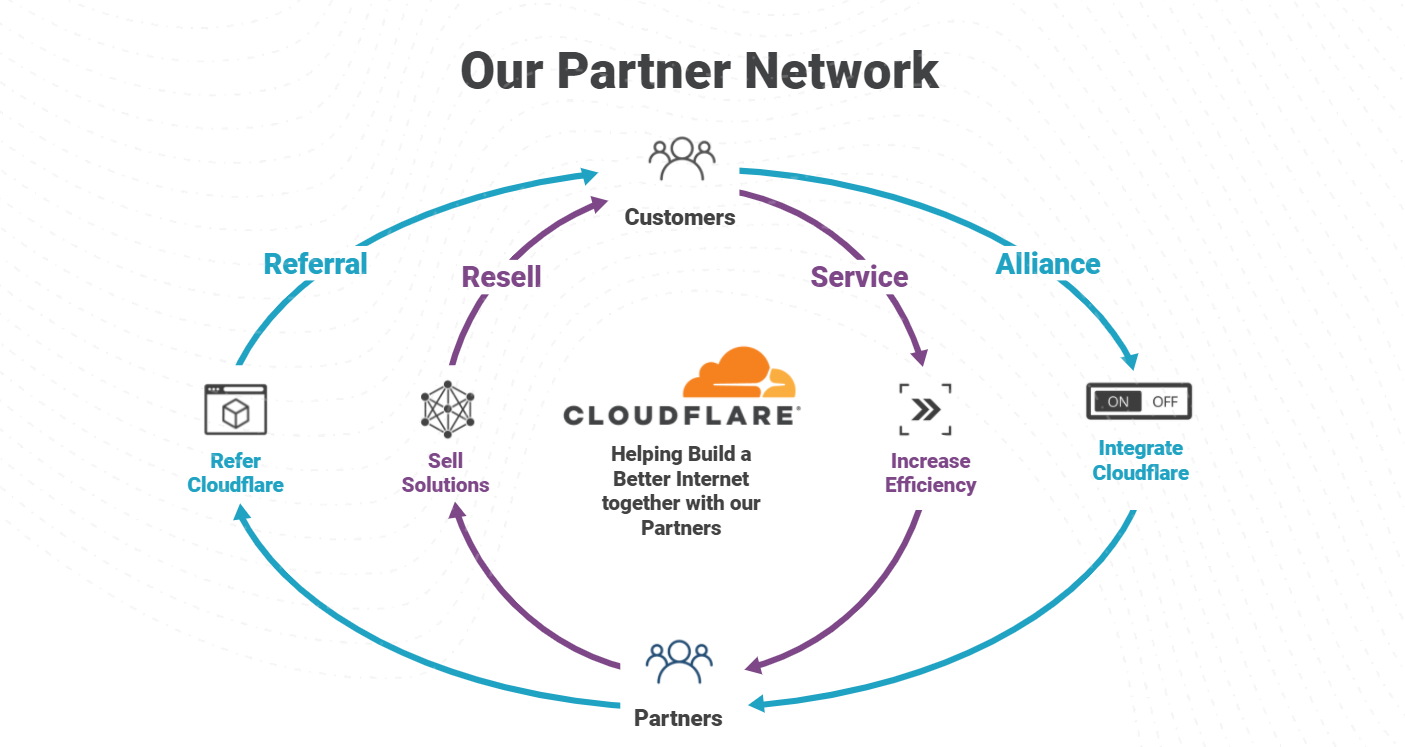
The importance of the Cloudflare Partner Network was on full display in 2021, with record level partner growth in 2021 and aiming even higher in 2022. We’ve been listening to our partners and working to constantly strengthen our ability to deliver value for businesses of all types. An area we identified we could do better, is a program to support “service partners” that want to wrap managed and professional services around Cloudflare products. Today, we are excited to announce the next evolution of the Cloudflare Channel and Alliances Partner Program to specifically enable partners that provide services around Cloudflare products with recurring revenue streams as they equip businesses of all sizes and types with Cloudflare’s leading Zero Trust and SASE solutions.
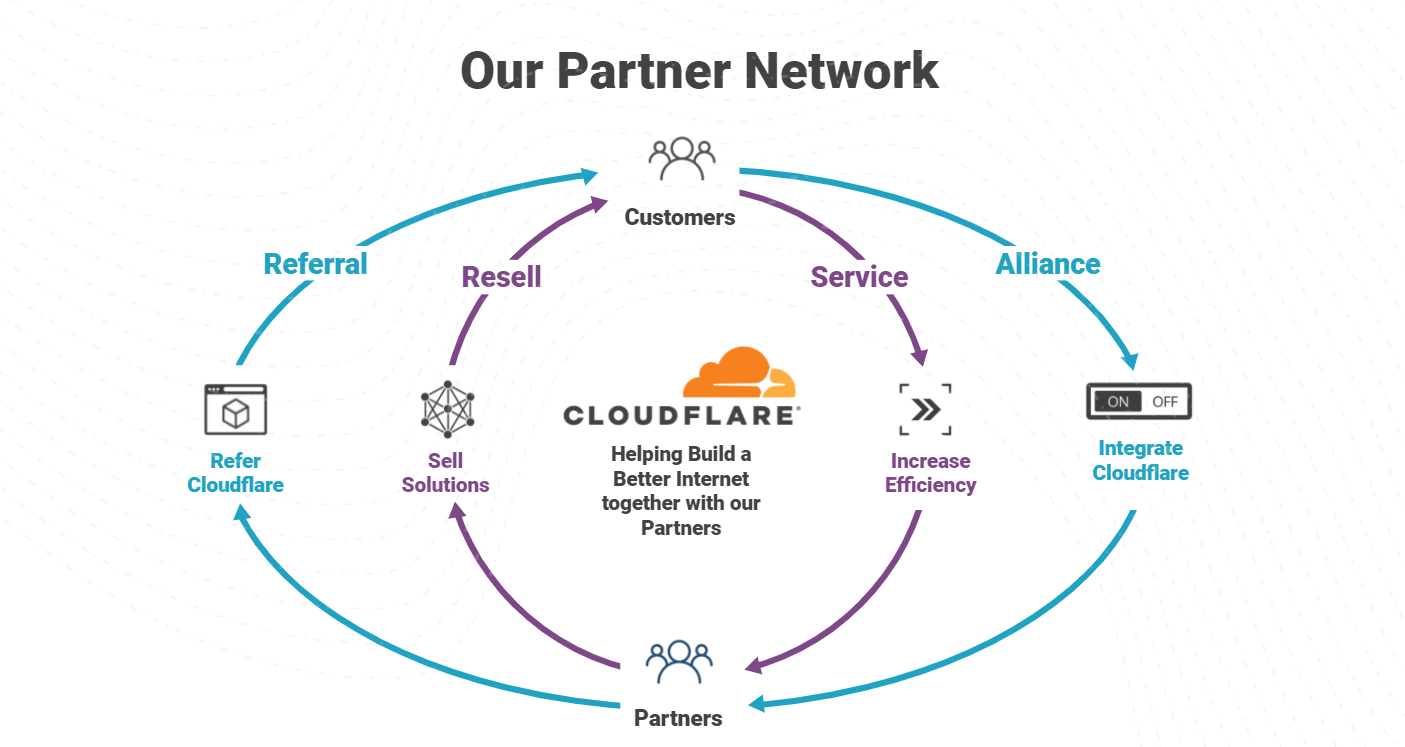
Core to enabling Services Partners are some exciting enhancements:
- New Program Paths
- New Managed Services Partner (MSP) Accreditation.
- New Support & Go-To-Market Motions
New Program Paths
We have seen a 29% increase in ransom DDoS attacks over the past year and a 175% increase just last quarter. Partners continue to be on the front lines helping mitigate and prevent disruption from these events as they extend our services. Our goal for 2022 is to arm our partners with the Continue reading


