Linux Networking Data Plane Configuration
I spent a rainy day implementing VLANs, VRFs, and VXLAN on Cumulus Linux VX and came to “appreciate” the beauties of Linux networking configuration.
TL&DR: It sucks
There are two major ways of configuring data plane constructs (interfaces, port channels, VLANs, VRFs) on Linux:
Startup Veego Targets ISP Customer Service With An End User Experience Package
A startup called Veego is pitching an end user experience service to Internet Service Providers (ISPs) to help providers offer better tech support to customers. The question is, are ISPs interested in customer service?
The post Startup Veego Targets ISP Customer Service With An End User Experience Package appeared first on Packet Pushers.
Connecting to Multiple Clouds vs. Multi-cloud Networking
A top industry analyst firm recently affirmed that enterprises in the pursuit of advanced networking functionality that public cloud providers lack should consider a consistent networking console across their multiple clouds.Vulnerability management: 3 best practices and tips for image building and scanning
As enterprises adopt containers, microservices, and Kubernetes for cloud-native applications, vulnerability management is crucial to improve the security posture of containerized workloads throughout build, deploy, and runtime. Securing your build artifacts and deployment pipeline, especially when it comes to images, is extremely important. By following best practices for image building and scanning throughout the application development and deployment process, you can help ensure the security of the containers and workloads in your environment.
Let’s look at some of the nuances of choosing a base image, hardening your container image, and container image scanning, including tips on choosing an appropriate scanning solution and tackling privacy concerns.
Choose an appropriate base image
It’s important to choose a base image that reduces the attack surface of your container. I recommend using a distroless or scratch image because they contain only the application and its runtime dependencies. Both types of images improve your security posture by reducing the attack surface and exposure to vulnerabilities.
If for some reason you can’t use a distroless or scratch image, choose a minimal distro. Modern immutable Linux distributions, such as Bottlerocket and Flatcar Container Linux, can be used as base images for containers, as can minimal versions Continue reading
Does My Business Need an AI-powered Writing Tool?
When it comes to writing, there are many challenges that can make the process difficult or time-consuming. For example, drafting and proofreading long pieces of content can take hours or even days, and if you’re working on a tight deadline, this can put a strain on your productivity. Additionally, things like grammar mistakes or awkward sentence structure can make your writing hard to understand, lowering the quality of your work and making it less effective.
Reasons Why You Should Consider Using an AI-powered Writing Tool
AI-powered writing tools offer a great solution to these challenges. The following are reasons why you should use AI to make your writing easier and more efficient:
Automated proofreading
AI-powered writing tools use sophisticated algorithms to scan your content for errors, helping you catch mistakes before they go out to your readers. This not only saves you time, but also ensures that your writing is error-free and professional.
Increased productivity
Because AI-powered writing tools are able to quickly analyze and identify patterns in your writing, they can help you draft and edit content much more efficiently. This gives you more time to focus on the aspects of content creation that require your expertise, like researching Continue reading
Cloudflare Area 1 – how the best email security keeps getting better
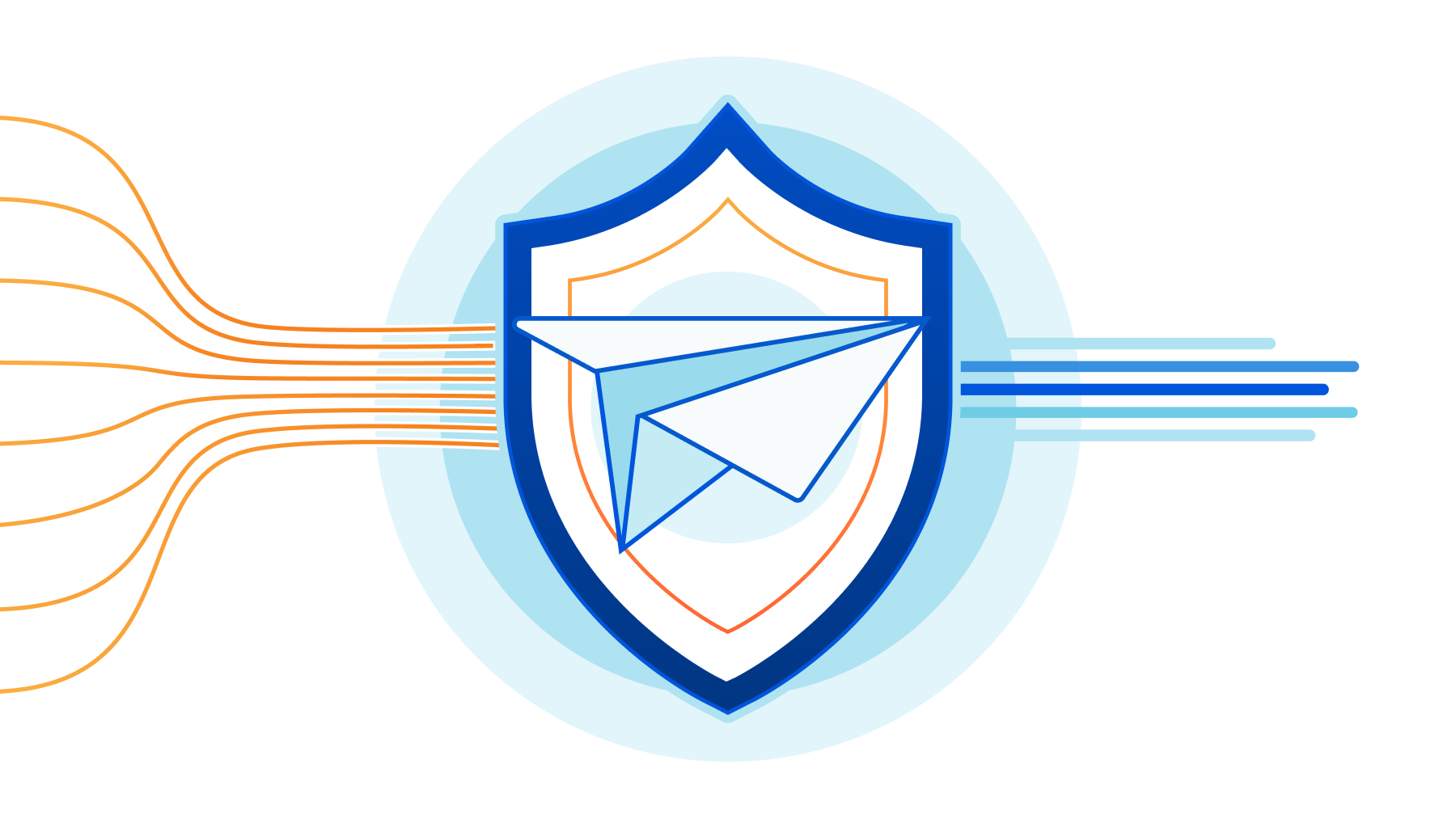
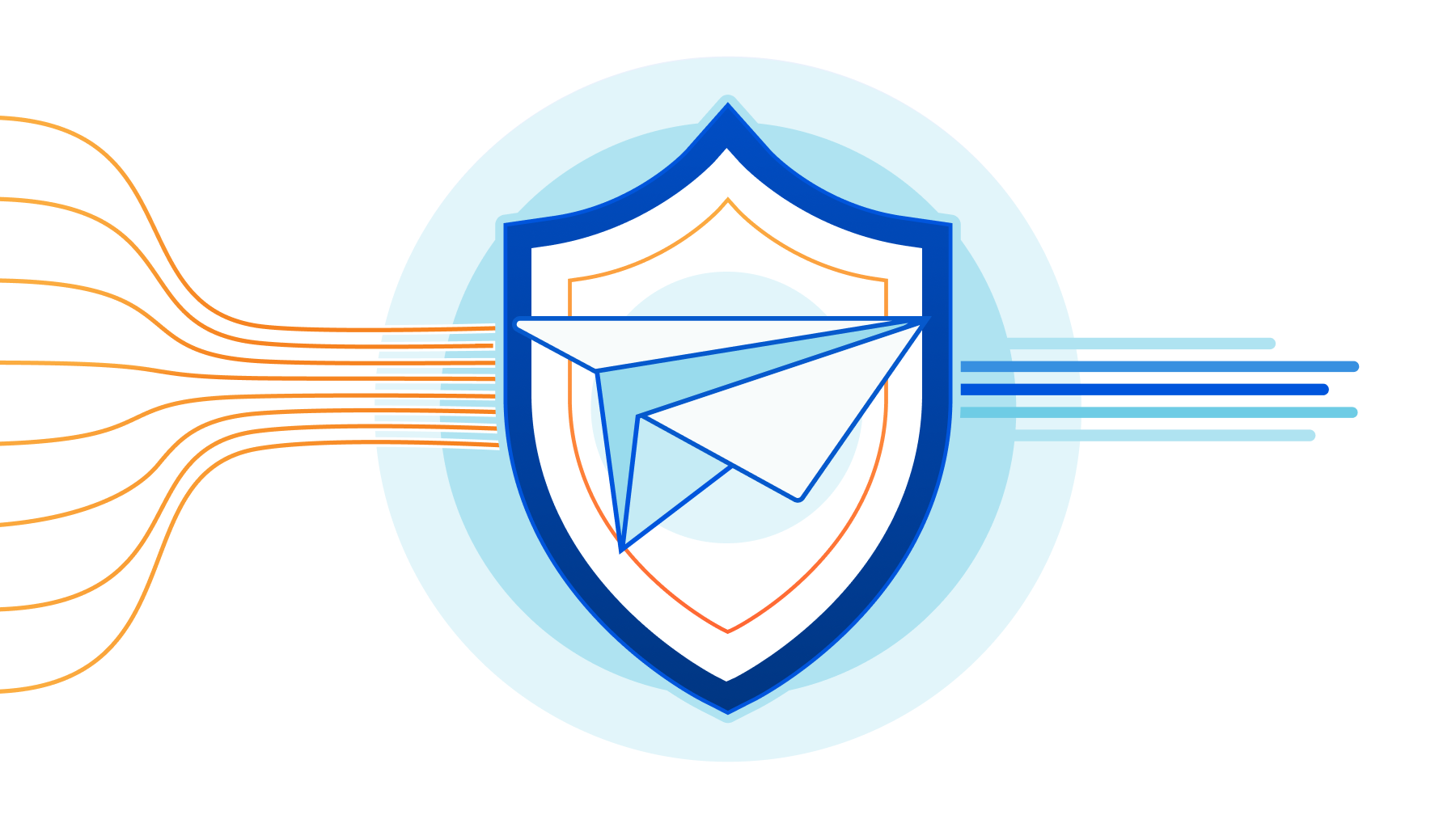
On February 23, 2022, after being a customer for two years and seeing phishing attacks virtually disappear from our employee’s mailboxes, Cloudflare announced the acquisition of Area 1 Security.
Thanks to its unique technology (more on that below) Cloudflare Area 1 can proactively identify and protect against phishing campaigns before they happen, and potentially prevent the 90%+ of all cyberattacks that Deloitte research identified as starting with an email. All with little to no impact on employee productivity.
But preventing 90% of the attacks is not enough, and that’s why Cloudflare Area 1 email security is part of our Zero Trust platform. Here’s what’s new.
Email Security on your Cloudflare Dashboard
Starting today you will find a dedicated Email Security section on your Cloudflare dashboard. That’s the easiest way for any Cloudflare customer to get familiar with and start using Cloudflare Area 1 Email Security.
From there you can easily request a trial, which gives you access to the full product for 30 days.
Our team will guide you through the setup, which will take just a few minutes. That’s the beauty of not having to install and tune a Secure Email Gateway (SEG). You can simply configure Area Continue reading
Isolate browser-borne threats on any network with WAN-as-a-Service


Defending corporate networks from emerging threats is no easy task for security teams who manage complex stacks of firewalls, DNS and HTTP filters, and DLP and sandboxing appliances. Layering new defenses, such as Remote Browser Isolation to mitigate browser-borne threats that target vulnerabilities in unpatched browsers, can be complex for administrators who first have to plan how to integrate a new solution within their existing networks.
Today, we’re making it easier for administrators to integrate Cloudflare Browser Isolation into their existing network from any traffic source such as IPsec and GRE via our WAN-as-a-service, Magic WAN. This new capability enables administrators to connect on-premise networks to Cloudflare and protect Internet activity from browser-borne malware and zero day threats, without installing any endpoint software or nagging users to update their browsers.
Before diving into the technical details, let’s recap how Magic WAN and Browser Isolation fit into network perimeter architecture and a defense-in-depth security strategy.

Securing networks at scale with Magic WAN
Companies have historically secured their networks by building a perimeter out of on-premise routers, firewalls, dedicated connectivity and additional appliances for each layer of the security stack. Expanding the security perimeter pushes networks to their limits as centralized Continue reading
Cloudflare One Partner Program acceleration
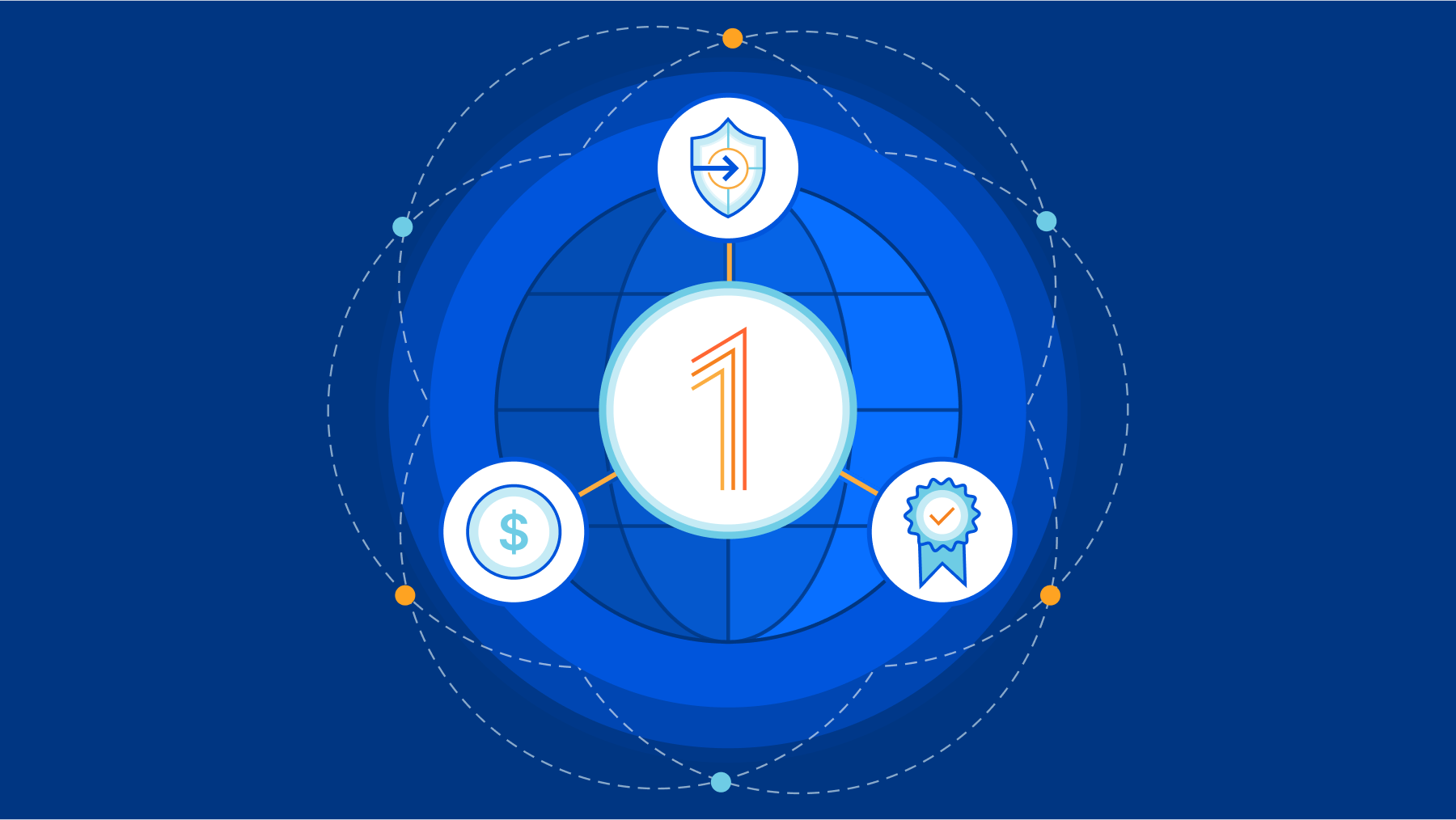
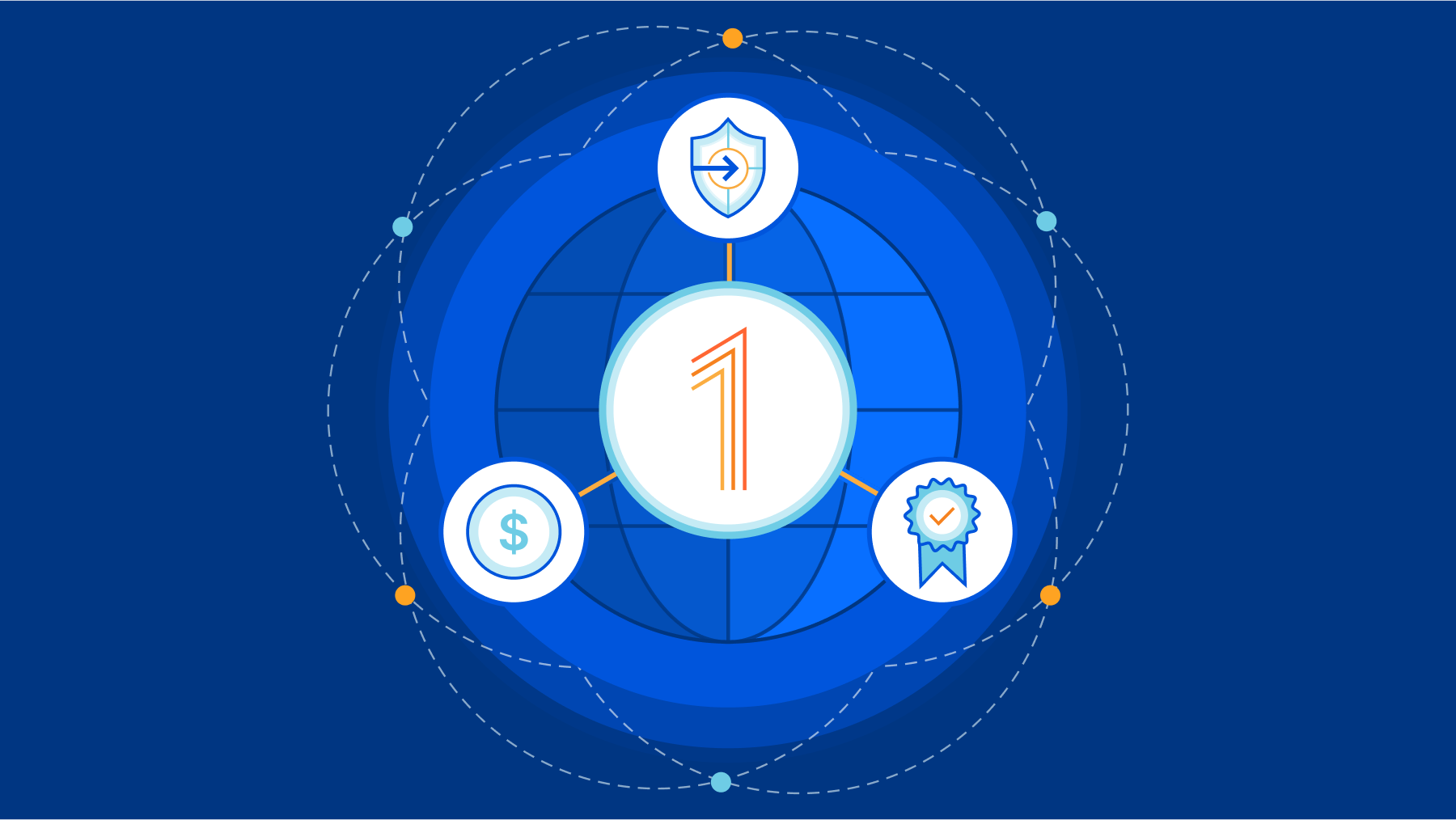
Just a few short months ago, Cloudflare announced the launch of the Cloudflare One Partner Program. Many customers want to start their journeys to Zero Trust but are not sure where or how to start. It became clear there was a significant opportunity to partner with the channel – to combine Cloudflare’s complete Zero Trust portfolio with a broad set of Cloudflare-enabled, channel-delivered professional services to help customers navigate meaningful ways to adopt a Zero Trust architecture. Underscoring this need to partner was the fact that over the last six months we saw a 50% increase in new Cloudflare Zero Trust customers being won with the channel.
Clearly customers are ready to cut through the market hype of Zero Trust and start implementing - with the right platform of products and services - and the right value contribution of their channel partners.
Since the launch of the Cloudflare One Partner Program, we’ve engaged with hundreds of partners through our recruiting campaigns and in our Zero Trust Roadshow. This has provided a tremendous amount of feedback on what is working and why we believe we have the right program at the right time. This feedback has consistently centered around a few Continue reading
Cloudflare Data Loss Prevention now Generally Available

This post is also available in 简体中文, 日本語, Deutsch, Français and Español.

In July 2022, we announced beta access to our newest Zero Trust product, Data Loss Prevention (DLP). Today, we are even more excited to announce that DLP is Generally Available to customers! Any customer can now get visibility and control of sensitive data moving into, out of, and around their corporate network. If you are interested, check out the bottom of this post.
What is DLP?
Data Loss Prevention helps you overcome one of their biggest challenges: identifying and protecting sensitive data. The migration to the cloud has made tracking and controlling sensitive information more difficult than ever. Employees are using an ever-growing list of tools to manipulate a vast amount of data. Meanwhile, IT and security managers struggle to identify who should have access to sensitive data, how that data is stored, and where that data is allowed to go.
Data Loss Prevention enables you to protect your data based on its characteristics, such as keywords or patterns. As traffic moves into and out of corporate infrastructure, the traffic is inspected for indicators of sensitive data. If the indicators are found, the traffic is Continue reading
Detect security issues in your SaaS apps with Cloudflare CASB
This post is also available in 简体中文, 日本語, Deutsch, Français and Español.
It’s GA Week here at Cloudflare, meaning some of our latest and greatest endeavors are here and ready to be put in the hands of Cloudflare customers around the world. One of those releases is Cloudflare’s API-driven Cloud Access Security Broker, or CASB, one of the newest additions to our Zero Trust platform.
Starting today, IT and security administrators can begin using Cloudflare CASB to connect, scan, and monitor their third-party SaaS applications for a wide variety of security issues - all in just a few clicks.
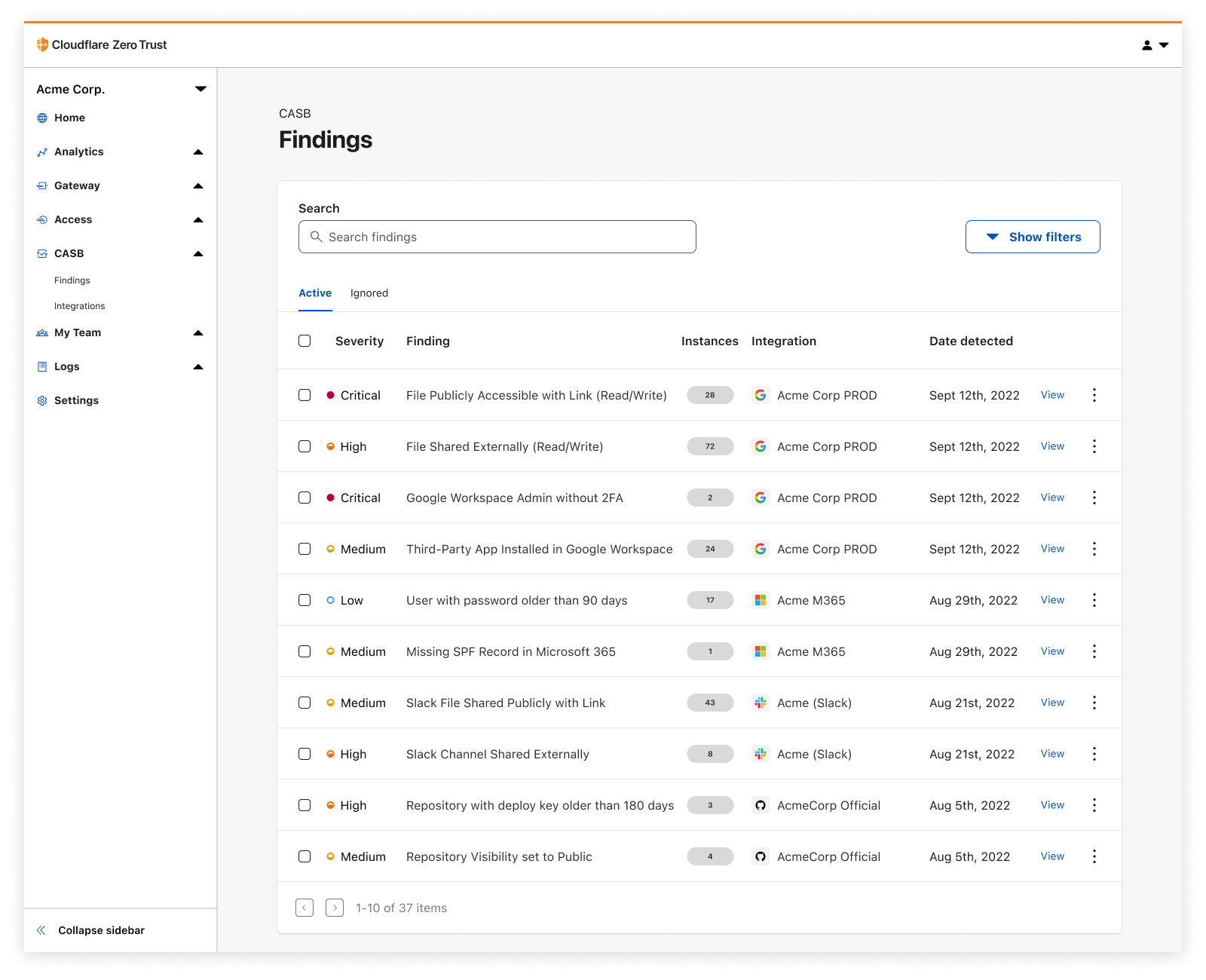
Whether it’s auditing Google Drive for data exposure and file oversharing, checking Microsoft 365 for misconfigurations and insecure settings, or reviewing third-party access for Shadow IT, CASB is now here to help organizations establish a direct line of sight into their SaaS app security and DLP posture.
The problem
Try to think of a business or organization that uses fewer than 10 SaaS applications. Hard, isn’t it?
It’s 2022, and by now, most of us have noticed the trend of mass SaaS adoption balloon over recent years, with some organizations utilizing hundreds of third-party services across a slew Continue reading
EVPN/VXLAN or Bridged Data Center Fabric?
An attendee in the Building Next-Generation Data Center online course sent me an interesting dilemma:
Some customers don’t like EVPN because of complexity (it is required knowledge BGP, symmetric/asymmetric IRB, ARP suppression, VRF, RT/RD, etc). They agree, that EVPN gives more stability and broadcast traffic optimization, but still, it will not save DC from broadcast storms, because protections methods are the same for both solutions (minimize L2 segments, storm-control).
We’ll deal with the unnecessary EVPN-induced complexity some other time, today let’s start with a few intro-level details.
EVPN/VXLAN or Bridged Data Center Fabric?
An attendee in the Building Next-Generation Data Center online course sent me an interesting dilemma:
Some customers don’t like EVPN because of complexity (it is required knowledge BGP, symmetric/asymmetric IRB, ARP suppression, VRF, RT/RD, etc). They agree, that EVPN gives more stability and broadcast traffic optimization, but still, it will not save DC from broadcast storms, because protections methods are the same for both solutions (minimize L2 segments, storm-control).
We’ll deal with the unnecessary EVPN-induced complexity some other time, today let’s start with a few intro-level details.
How to Logically Evaluate an IT Job Offer
You just got a job offer. Now what can you do to make sure it's an acceptable deal?Tech Bytes: Aruba Navigates 6Ghz Spectrum Challenges With AFC Demo (Sponsored)
Wi-Fi 6E gear can take advantage of the 6GHz band, but there are incumbent entities that also have a stake in the spectrum. To prevent interference, the Automated Frequency Coordination database coordinates among licensed and unlicensed users. On today’s Tech Bytes podcast, sponsored by Aruba, we’ll hear about Aruba’s participation in the first public demonstration of Wi-Fi 6E and the AFC database. My guest is Dave Wright, Head of Global Wireless Policy at Aruba.
The post Tech Bytes: Aruba Navigates 6Ghz Spectrum Challenges With AFC Demo (Sponsored) appeared first on Packet Pushers.