

VMware Cloud on AWS Lands in London, Adds Storage, Migration Capabilities
 The hybrid cloud service will add an Asia-Pacific region in the second half of 2018.
Episode 23 – Cloud Connectivity Part II
Miguel Villareal and Scott Wheeler come back and join Network Collective for a second episode, discussing the complexities involved in connecting to cloud infrastructure services and some strategies on how to mitigate them.
 We would like to thank Cumulus Networks for sponsoring this episode of Network Collective. Cumulus invites you to find out more about how Linux is changing the data center networking space by downloading their free ebook “Linux Networking 101” here: http://cumulusnetworks.com/NetworkCollectiveLinux


Outro Music:
Danger Storm Kevin MacLeod (incompetech.com)
Licensed under Creative Commons: By Attribution 3.0 License
http://creativecommons.org/licenses/by/3.0/
The post Episode 23 – Cloud Connectivity Part II appeared first on Network Collective.
Datanauts 124: VMware Cloud On AWS (Sponsored)
VMware Cloud on AWS lets you run a native VMware environment on bare metal AWS servers. The Datanauts delve into service details, use cases, and nerd knob options with episode sponsor VMware. The post Datanauts 124: VMware Cloud On AWS (Sponsored) appeared first on Packet Pushers.

Shine the Light: Six Women Making a Difference
This International Women’s Day, we’re boosting the profiles of incredible women around the world who are pushing boundaries using technology – and we encourage you to do the same!
Last month, during Safer Internet Day – a call to action for everyone to play their part in creating a better Internet for everyone – women in the Internet Society’s 25 Under 25 group, using just their smartphones to record video, answered the question, “What does a safer Internet mean to me?”
Watch the videos, explore the different ways these young women are using technology to shape tomorrow, then Shine The Light on some of the incredible women you know who are making an impact. Join the #ShineTheLight tweet chat with @SIGWomenISOC on March 8th… then join SIG Women!
Poornima Meegammana (Sri Lanka)
“A safer Internet to me is a place where a girl’s voice can be heard without harassment.”

Mary Helda Akongo (Uganda)
“To me, a safer Internet would be a place that is free and safe for me to have my voice heard, a place where I can share my creative content, share my opinions and my thoughts without ridicule, backlash and hate from different people Continue reading
Reykjavík, Cloudflare’s northernmost location
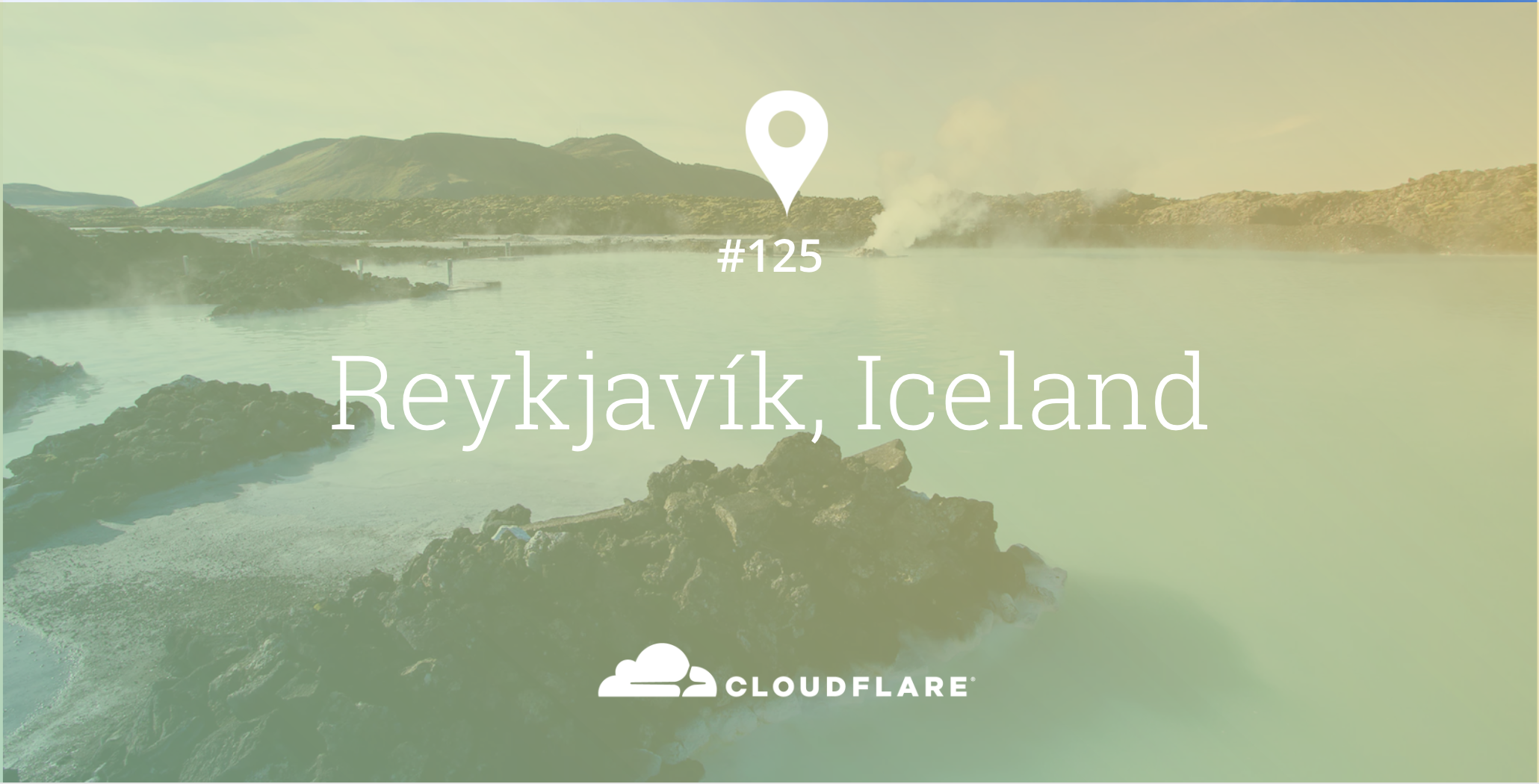
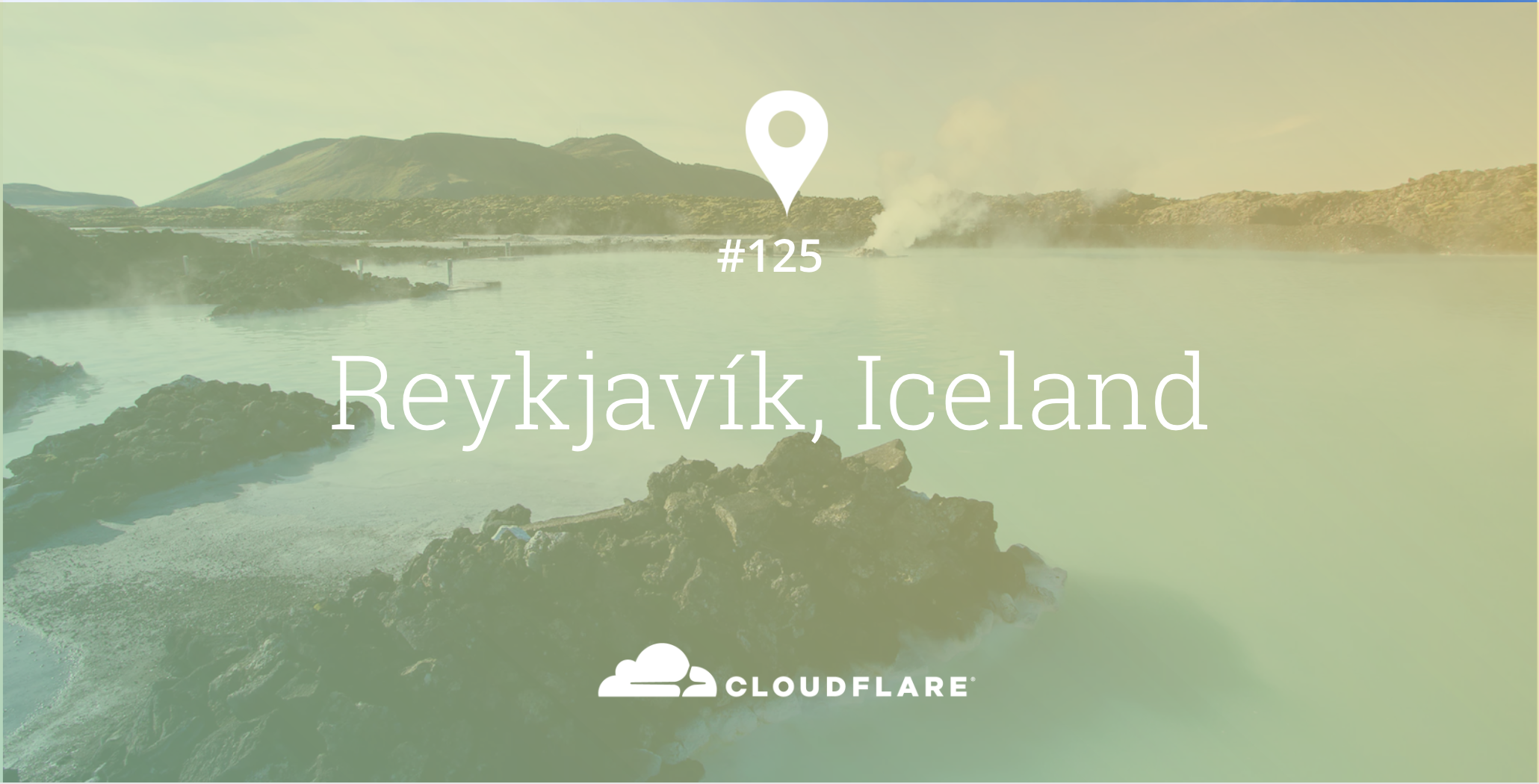
Iceland is a small country in Northern Europe, a land of active volcanoes and boiling hot geysers. The geology and climate creates unique conditions for running compute power. With an abundance of green electricity and natural cooling, many companies are placing high power machines in Iceland to run power intensive, heat generating operations. Reykjavík is our 125th location globally.
Connecting to the rest of the world
A unique aspect about Iceland relates to how it connects to the Internet, being situated on the Mid-Atlantic Ridge means submarine cables are necessary to reach networks in other countries. Iceland has three active fibre optic submarine cables that land on its shores: FARICE-1, DANICE and Greenland Connect. Due to the distance, latency to the nearest Cloudflare locations in London and Copenhagen starts at 35 milliseconds. By deploying in Reykjavík, we're able to drive down latency even further to a minimum of under 1 millisecond.
Iceland is unique in many ways, but is no different from other countries when it comes to exchanging internet traffic. ISNIC, Iceland's Network Information Centre runs RIX, the Reykjavík Internet Exchange. Cloudflare is the only CDN network connected to RIX, allowing traffic to flow directly to Continue reading
Expanding Use Cases Mean Tape Storage is Here to Stay
On today’s episode of “The Interview” with The Next Platform we talk about the past, present, and future of tape storage with industry veteran Matt Starr.
Starr is CTO at tape giant, Spectra Logic and has been with the company for almost twenty-five years. He was the lead engineer and architect forthe design and production of Spectra’s enterprise tape library family, which is still a core product.
We talk about some of the key evolutions in tape capacity and access speeds over the course of his career before moving into where the new use cases at massive scale are. In …
Expanding Use Cases Mean Tape Storage is Here to Stay was written by Nicole Hemsoth at The Next Platform.
Leverage Extreme Performance with GPU Acceleration
Hewlett Packard Enterprise (HPE) and NVIDIA have partnered to accelerate innovation, combining the extreme compute capabilities of high performance computing (HPC) with the groundbreaking processing power of NVIDIA GPUs.
In this fast-paced digital climate, traditional CPU technology is no longer sufficient to support growing data centers. Many enterprises are struggling to keep pace with escalating compute and graphics requirements, particularly as computational models become larger and more complex. NVIDIA GPU accelerators for HPC seamlessly integrate with HPE servers to achieve greater speed, optimal power efficiency, and dramatically higher application performance than CPUs. High-end data centers rely on these high performance …
Leverage Extreme Performance with GPU Acceleration was written by Nicole Hemsoth at The Next Platform.
Building the Modern WAN: 4 Tips
Multi-cloud environments pose unique integration challenges for the wide area network. An Interop ITX 2018 expert provides guidance on how to navigate them.
Who’s Pushing Layer-2 VPN Services?
Here’s another great point Tiziano Tofoni raised in his comment to my EVPN in small data center fabrics blog post:
I cannot understand the usefulness of L2 services. I think that the preference for L2 services has its origin in the enterprise world (pushed by well known $vendors) while ISPs tend to work at Layer 3 (L3) only, even if they are urged to offer L2 services by their customers.
Some (but not all) ISPs are really good at offering IP transport services with fixed endpoints. Some Service Providers are good at offering per-tenant IP routing services required by MPLS/VPN, but unfortunately many of them simply don’t have the skills needed to integrate with enterprise routing environments.
Read more ...Chatbots Gone Wild
I am pleased to publish a link to infographic called "Conquering The World - Chatbots Gone Wild". This infographic contains statistics that highlight the impact of Artificial Inteligence (AI) chatbots on business and other sectors. In online business they interact with customers and boost sales by saving time and cost. They become more and more useful as the customers are getting more comfortable with technology through voice commands. According to the graphic, the business trust in chatbots is going to grow as the 80% of businesses claimed they already used or plan to use chatbots by 2020.
The link below is published with the kind permission of 16best.net.
Chatbots Gone Wild
I am pleased to publish an infographic called "Conquering The World - Chatbots Gone Wild". This infographic contains statistics that highlight the impact of Artificial Inteligence (AI) chatbots on business and other sectors. In online business they interact with customers and boost sales by saving time and cost. They become more and more useful as the customers are getting more comfortable with technology through voice commands. According to the graphic, the business trust in chatbots is going to grow as the 80% of businesses claimed they already used or plan to use chatbots by 2020.
I am glad to thank BestVPNs for kind permission to republish the original infographic on my blog.
Note: Click image to enlarge.

Weaving A Streaming Stack Like Twitter And Yahoo
The hyperscalers of the world have to deal with dataset sizes – both streaming and at rest – and real-time processing requirements that put them into an entirely different class of computing.
They are constantly inventing and reinventing what they do in compute, storage, and networking not just because they enjoy the intellectual challenge, but because they have swelling customer bases that hammer on their systems so hard they can break them.
This is one of the reasons why an upstart called Streamlio has created a new event-driven platform that is based the work of software engineers at Twitter, Yahoo, …
Weaving A Streaming Stack Like Twitter And Yahoo was written by Timothy Prickett Morgan at The Next Platform.