NetScout Extends Service Assurance to VMware, WiFi Infrastructures
 The new version will help users identify performance issues more quickly.
The new version will help users identify performance issues more quickly.


Follow these tips for securing corporate data when using public cloud services.
Follow these tips for securing corporate data when using public cloud services.
 HPE, a mutual partner, played matchmaker.
We managed to get another awesome lineup of speakers for the Spring 2018 Building Next-Generation Data Center online course.
Russ White, one of the authors of CCDE and CCAr programs and highly respected book author will start the course with a topic everyone should always consider when designing new infrastructure: how do you identify tradeoffs and manage complexity, making sure you meet the customer requirements while at the same time having an easy-to-operate infrastructure.
Read more ...Two months ago, I read something that made me furious. A chocolate company had gradually reduced the size of my favorite chocolate bar by 30%. The greedy chocolate company – no, they were “Big Chocolate” now – were cutting corners in an attempt to trick everyday people like me. I vowed I would boycott them.
A week later I found myself in the checkout lane at the grocery store, eyeing my favorite chocolate bar. Five minutes later, I was eating it. I didn’t even have the decency to feel guilty.
I enjoy being justifiably outraged, I don’t enjoy taking the time to help fix the problem. Fixing things is a pain.
There’s no area I do this more with than cybersecurity and online privacy. I’m always infuriated by the latest data breach. I’m angry when a website forces me to download an app and make an account instead of allowing me to use my mobile browser.
Yet, I still download the app. In fact, I’ll continue to do business with a company after they’ve had a data breach, sold insecure Internet-connected devices, or even been caught spying on their customers through their TVs. And then I’m infuriated all over again six months later when the Continue reading
There are a number of key areas where exascale computing power will be required to turn simulations into real-world good. One of these is fusion energy research with the ultimate goal of building efficient plants that can safely deliver hundreds of megawatts of clean, renewable fusion energy.
Japan has announced that it will install its top-end XC50 supercomputer at the at the Rokkasho Fusion Institute.
The new system will achieve four petaflops, which is over double the capability of the current machine for international collaborations in fusion energy, Helios, which was built by European supercomputer maker, Bull. The Helios system …
Japan Invests in Fusion Energy Future with New Cray Supercomputer was written by Nicole Hemsoth at The Next Platform.
¡Mexicanos! ¡Viva México! ¡Viva México! ¡Viva México! No, no es el 16 de septiembre (Día de la Independencia de México). Sin embargo aquí en Cloudflare celebramos la introducción de nuestro Datacenter #134 en la Ciudad De México. Este Datacenter marca nuestra entrada en la nación Azteca. Anteriormente el tráfico de México era servido desde algunos de nuestros otros Datacenters (principalmente McAllen, TX, Dallas, TX y Los Angeles, CA).
Mexicans! Long Live Mexico! Long Live Mexico! Long Live Mexico! No, its not the 16th of September (Mexico Independence Day). However at Cloudflare we are proud to introduce our Datacenter #134 located in Mexico City Mexico. This data center marks our entrance into the Aztec Nation. Prior to this, traffic to Mexico was served from some of our other datacenters (Primarily Mcallen, TX, Dallas, TX and Los Angeles, CA).
El área metropolitana de México cuenta con mas de 21 millones de habitantes quienes desde hoy podrán difrutar más rápido acesso a más de 7 millones de Sitios y aplicaciones en Internet servidos por Cloudflare. Este sera nuestro décimo centro de datos en la region de América Latina y El Caribe.
The Mexico City Metropolitan Areas have Continue reading
 The tragedy is that BGP works ok. Its not broken. Its like a 30 year old pair of jeans that you know is worn out but you can’t bring your self to throw them away because of the memories. Ok. Can we replace it ? The challenge is building a community around that effort. Technically, […]
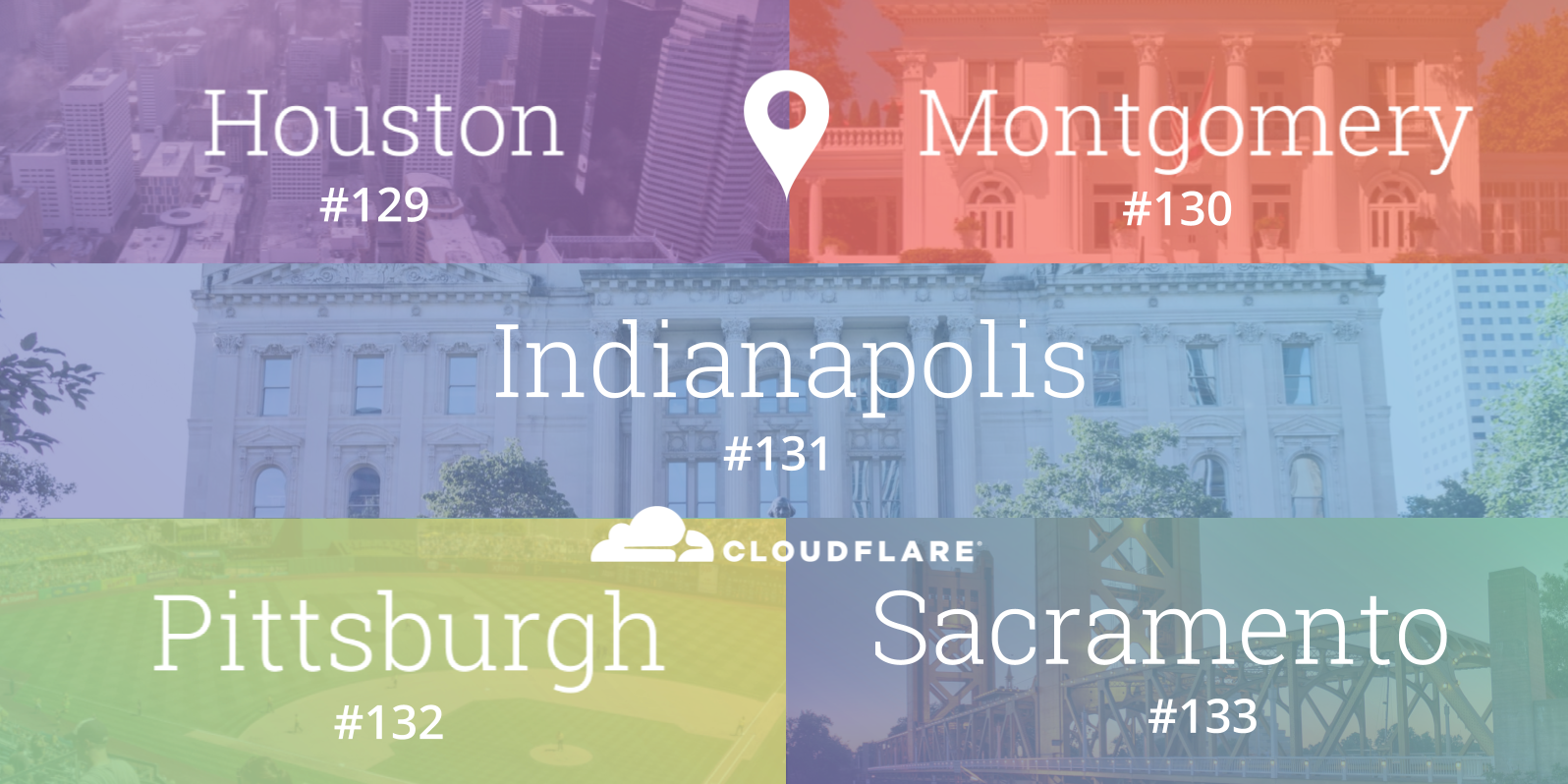
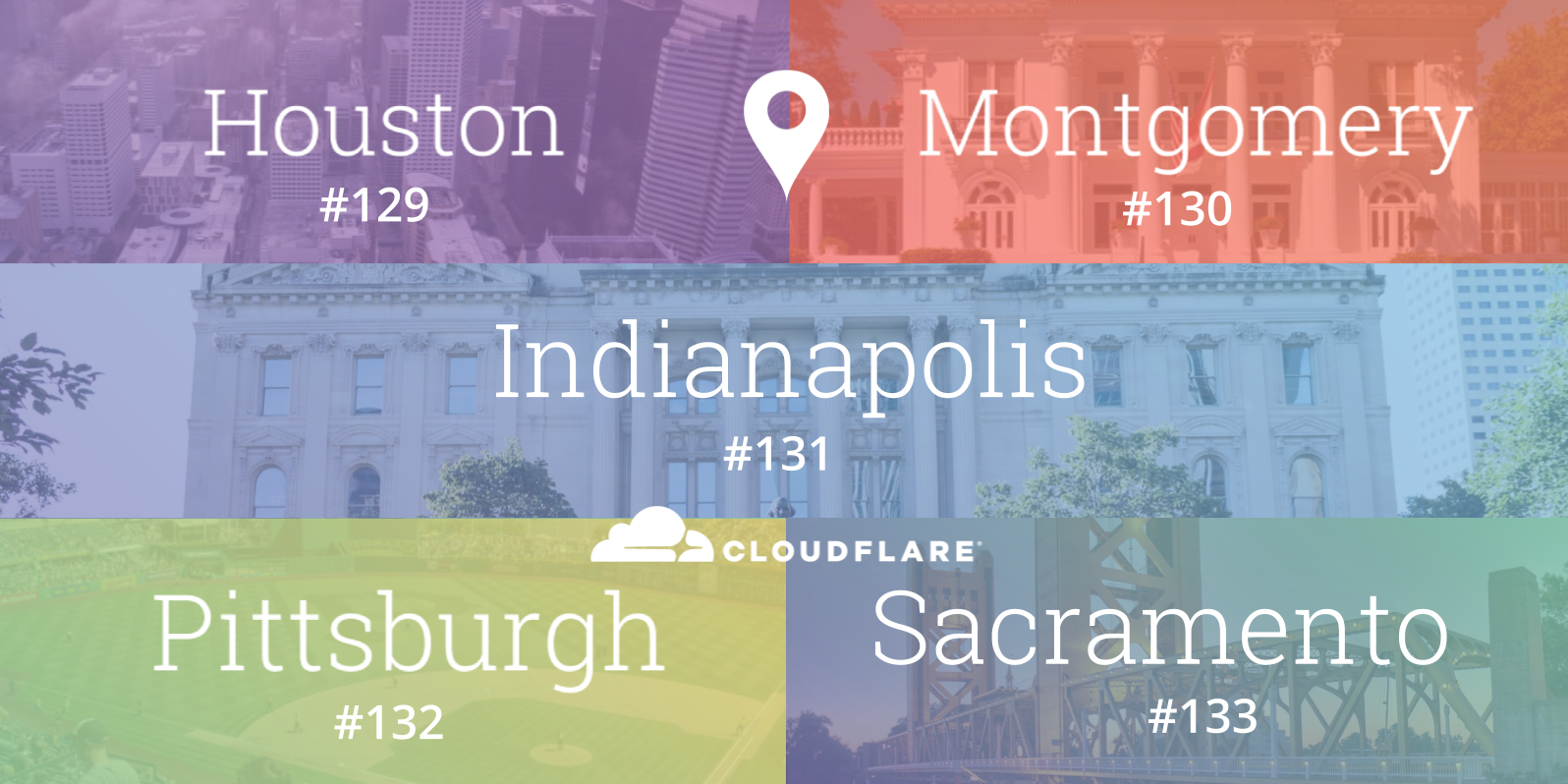
When Cloudflare launched, three of the original five cities in our network - Chicago, Ashburn and San Jose - were located in the United States. Since then, we have grown the breadth of the global network considerably to span 66 countries, and even added expanded the US footprint to twenty five locations. Even as a highly international business, the United States continues to be home to a number of our customers and the majority of Cloudflare employees.
Today, we expand our network in the United States even further by adding five new locations: Houston (Texas), Indianapolis (Indiana), Montgomery (Alabama), Pittsburgh (Pennsylvania) and Sacramento (California) as our 129th, 130th, 131st, 132nd and 133rd data centers respectively. They represent states that collectively span nearly 100 million people. In North America alone, the Cloudflare network now spans 37 cities, including thirty in the US.
In each of these new locations, we connect with at least one major local Internet service provider and also openly peer using at least one major Internet exchange. We are participants at CyrusOne IX Houston, Midwest IX Indianapolis, Montgomery IX, Pittsburgh IX, and the upcoming Sacramento IX.
These deployments improves performance, security and reliability Continue reading
 The bare metal support provides for greater performance compared with cloud deployments.