0
How to inventory server software with PowerShell
Being able to quickly identify what software is installed on your servers has value for a host of reasons. Managing software licensing costs and entitlements, planning upgrade budgets, identifying candidates for server consolidation, or even responding to security incidents are all common reasons for performing a software inventory.There are of course enterprise tools for tracking software inventory. But these tools can be expensive and complex, or could have access limited to specific groups or individuals in your organization. Fortunately PowerShell can help with some of the leg work in analyzing the software on your systems in order to help drive your planning and incident response.To read this article in full, please click here
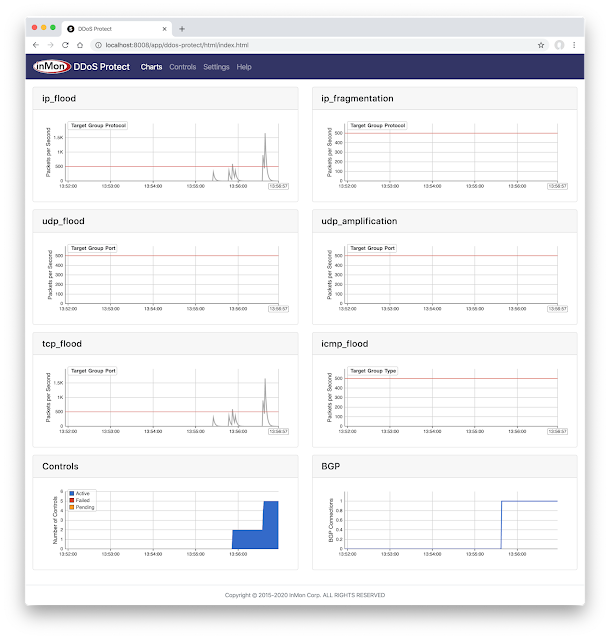
 There are various ways I can defend against this, but one (sorta ugly) option (I don’t actually recommend, read to the bottom to see my logic) is to create a blackhole aka a null route.