Control input on suspicious sites with Cloudflare Browser Isolation
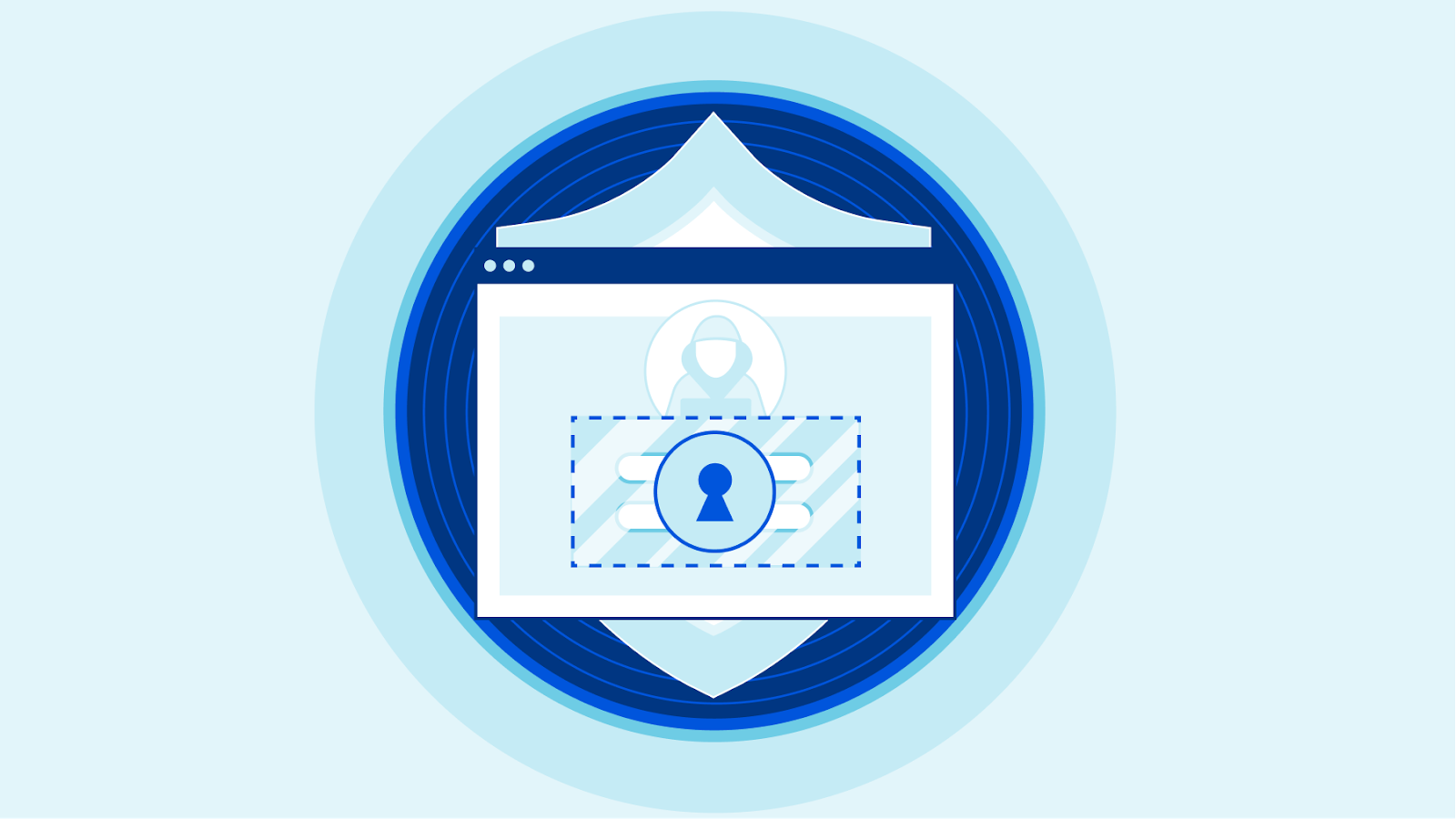
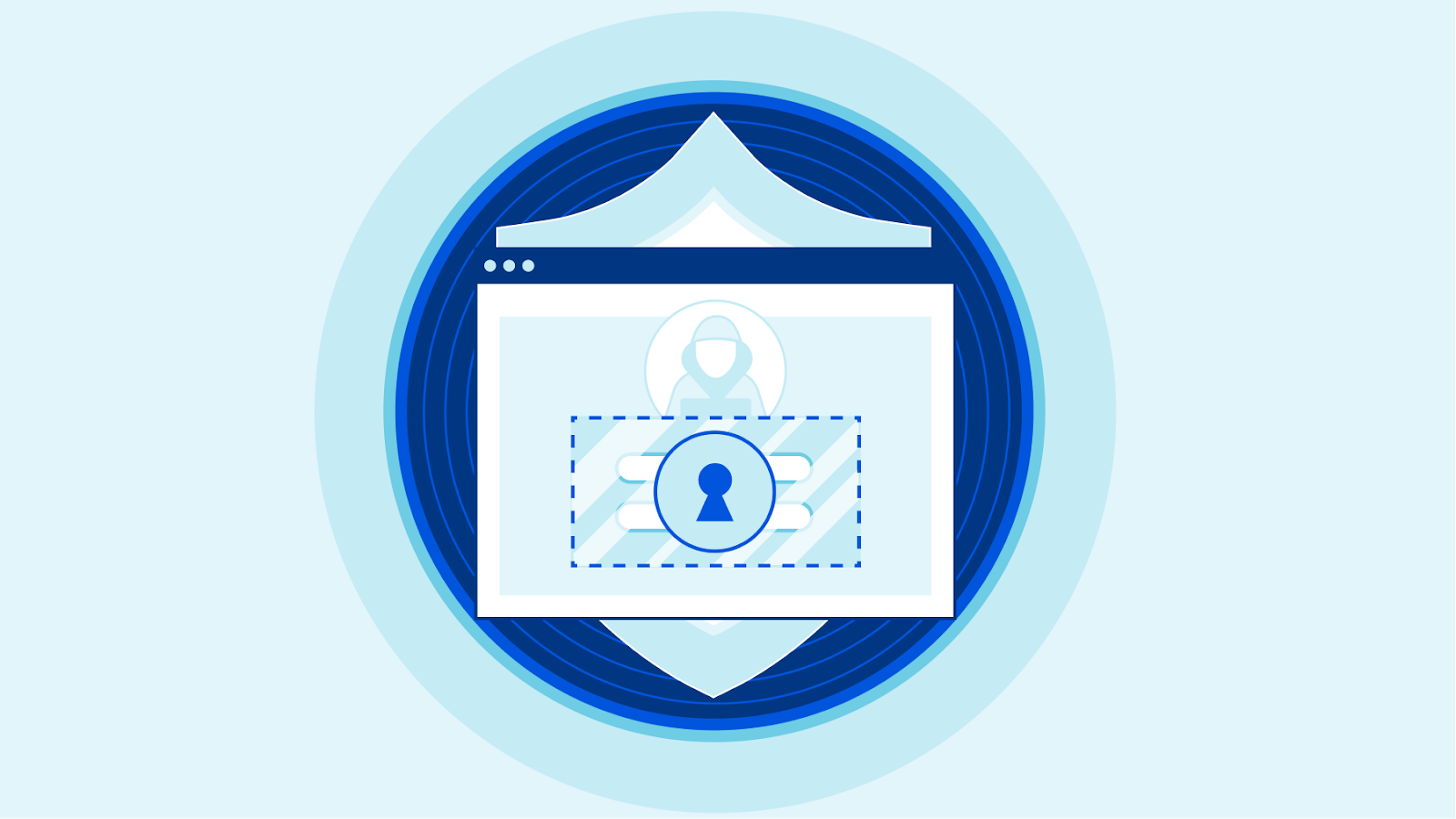
Your team can now use Cloudflare’s Browser Isolation service to protect against phishing attacks and credential theft inside the web browser. Users can browse more of the Internet without taking on the risk. Administrators can define Zero Trust policies to prohibit keyboard input and transmitting files during high risk browsing activity.
Earlier this year, Cloudflare Browser Isolation introduced data protection controls that take advantage of the remote browser’s ability to manage all input and outputs between a user and any website. We’re excited to extend that functionality to apply more controls such as prohibiting keyboard input and file uploads to avert phishing attacks and credential theft on high risk and unknown websites.
Challenges defending against unknown threats
Administrators protecting their teams from threats on the open Internet typically implement a Secure Web Gateway (SWG) to filter Internet traffic based on threat intelligence feeds. This is effective at mitigating known threats. In reality, not all websites fit neatly into malicious or non-malicious categories.
For example, a parked domain with typo differences to an established web property could be legitimately registered for an unrelated product or become weaponized as a phishing attack. False-positives are tolerated by risk-averse administrators but come at the Continue reading